Use the
Share feature when you want to share your design with stakeholders or collaborators who are outside of Autodesk Drive. You can share files in 3 ways:
- Share a link to the file
- Embed the file in HTML content on a Web site or blog
Note: When sharing a link to a file, anyone with the link can view the file unless you set a password for the link.
By default, the Download option is on for shared links. You can turn this off. In addition, you can set a password for the file.
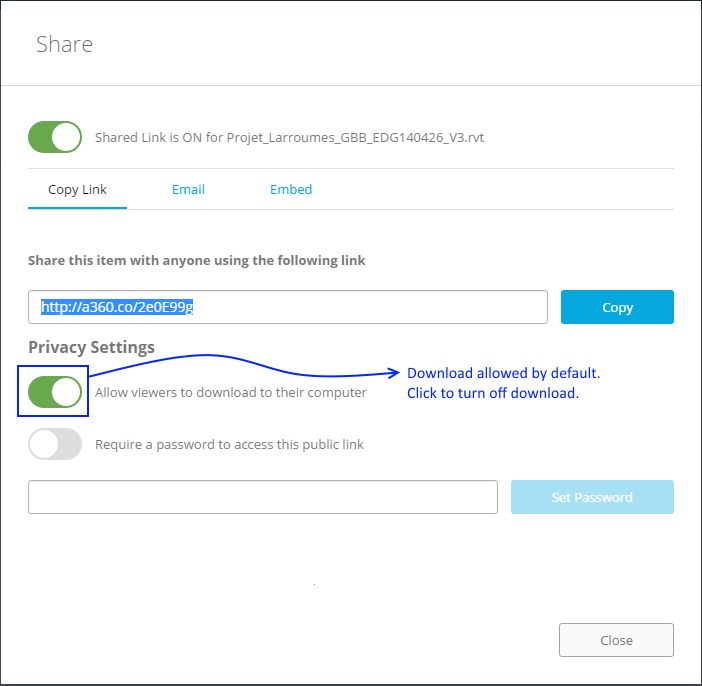
Note: Currently, the Download option here is only applicable to CAD files. Office files and PDFs open in the PDF viewer, and are downloadable even if you turn off the Download option.