In this task, you will use the Mold Block Wizard to create a mold boundary.
-
Click
 ().
().
-
For the Origin, enter:
-
X = 100.26 mm
-
Y = 62.5 mm
-
Z = 20 mm
-
-
For the Dimensions, enter:
-
X = 490 mm.
-
Y = 300 mm.
-
Z = 200 mm.
-
- Click
Finish
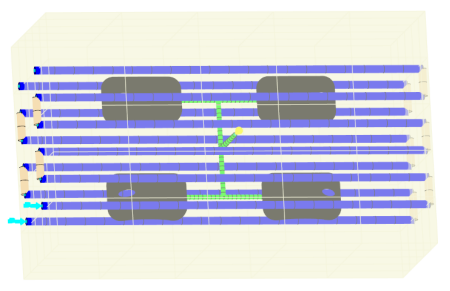
With the mold boundaries defined, you now mesh the mold.