In this step, instead of animating between scenarios, we use multiple viewports to compare the velocity fields side-by-side.
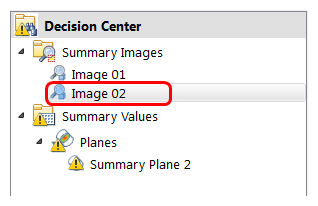
Click Image 2 under Design Review Center to show the velocity summary image:
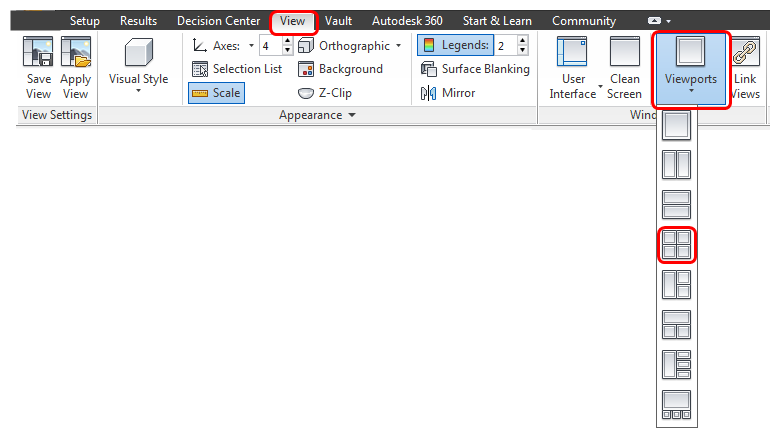
To display four viewports, click Viewports from the View tab, and select four:
Zoom in, and orient the model so you can clearly see the effect of the mesh on the results. Click on each viewport, and use the slider in the Design Review Center to display the scenario as shown:
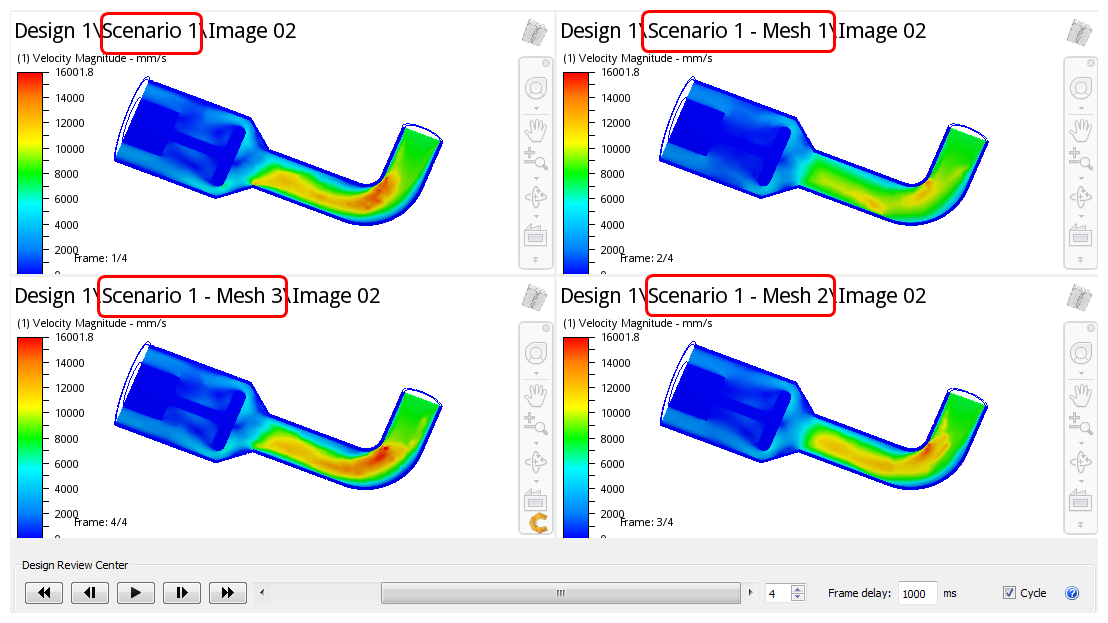
Note: In this image, results from the initial mesh are shown in the upper right corner, and results from the final mesh are in the upper left. Note the difference in clarity of the separation zone down-stream of the elbow, the impingement on the poppet face, and the recirculation zones downstream of the poppet face. Note the incremental improvement of the flow features in the two intermediate steps in the lower row.