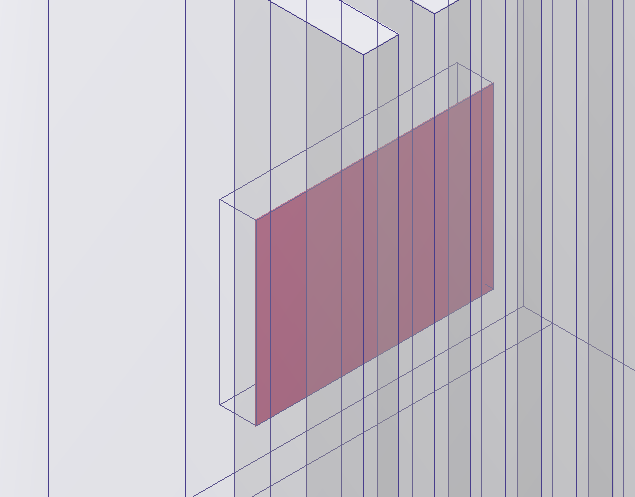
In the following steps we will be looking at the interference in the model. Two interfering parts will become three parts when imported into
Autodesk® CFD, the volume of the interference will become its own volume. These extra parts can be confusing during pre-processing and cause meshing failures.
Note: Geometry from some CAD tools may fail to import due to interferences as well.
- Select Interferences from your preferred method (Ribbon, Drop-down, or right-click context menu).
- Select the Parent Part.
Note: We see only the one small interference between a chip and the housing.