Create shells of configurable thickness with outline and position of detected support clusters
- Use the various controls to define a cluster, such as the
Critical angle slider in the context view, or
 Mark cluster manually from the toolbar.
- From the main menu, choose

 Export extruded cluster.
- Specify a thickness in the desired direction, negative (up, into the part) or positive (down, towards the build platform) and click OK.
The extracted cluster is added as a new part to the project tree. If there are multiple clusters, they are all added as shells of a single part.
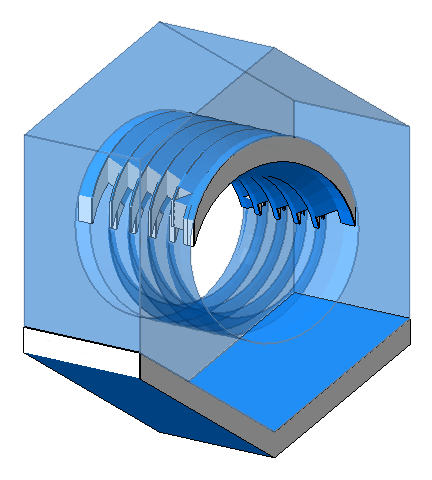
A hex nut (transparent) and a part (solid) created from the nut's extruded clusters