You can search for tools in the tool database using tool tags. This makes it easier to find tools.
To search for a tool tag:
- Click Home tab > Tool panel > Database to display the Tool Database Search dialog.
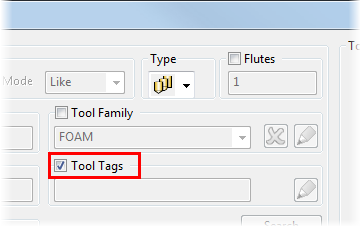
- Select Tool Tags.
- In the Tool Tags area, click
 to display the Select Tags dialog.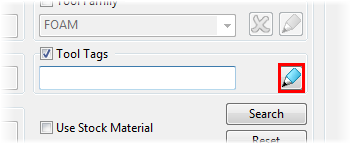
- Click a tag to select it, for example, Rough.
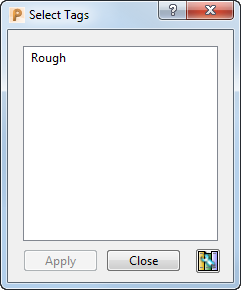
Press and hold down the Ctrl key to select multiple tags. If you select more than one tag, all the tools with matching tags are displayed.
- Click Apply.
- Click Search.
Tools with a Rough tag are displayed in the Search Results area.
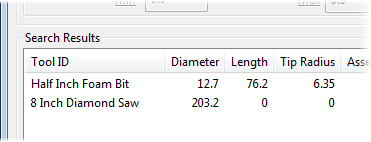
To display all results in the Search Results area, click Reset.
- Click Close.