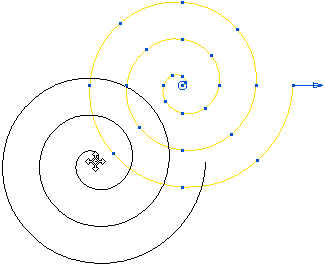
This example shows how to create a spiral using the Curve Editor tab.
- Click Curve Editor tab > Create panel > Curves > Spiral, which attaches a spiral to the cursor.

- Click to locate the centre of the spiral, or enter the coordinates in
 on the
Status bar, to display the
Spiral dialog.
on the
Status bar, to display the
Spiral dialog.
PowerMill also draws a spiral.
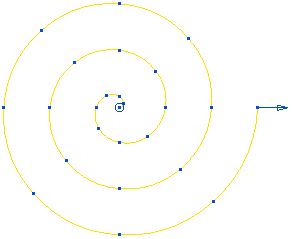
The spiral is yellow and has:
- a blue handle which enables you to edit the End radius graphically.
- blue points showing the number and location of the points in each turn.
- a blue circle at its centre that enables you to edit the location of the spiral graphically.
- Enter suitable values, for example:
- Start radius of 0.
- End radius of 60.
- Number of turns of 3.
- Points in each turn of 8.
- Click OK.

Clicking OK creates a spline curve that you cannot edit.
Alternatively, you can create the spiral graphically. For example, if you select the end radius-handle (the cursor changes to
 ) and drag it to a new position, the end radius changes.
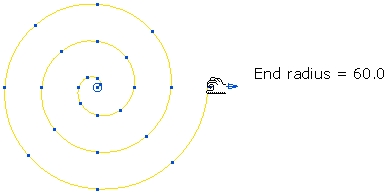
Select the centre handle and drag it to a new position to move the spiral .