The Create Status File Page of the License Wizard is used to create a .c2v status file to send to Innovyze.
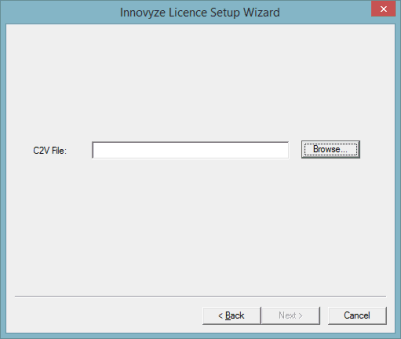
Enter a filename or click the Browse button to browse for a location to save the file to in a Windows Save As dialog.
Click Next to save the file. The saved file will contain information about the contents of the dongle which will allow Innovyze to produce and send a new .v2c dongle upgrade file.