Using the Canvas
Use the canvas controls to control clearing and wiping of the image.
Clearing the Canvas
You can clear all strokes from the result image and output matte at the current frame or all frames.
To clear strokes from the canvas:
Select one of the following from the Clear Canvas option box:
- Clear to remove strokes from the current frame.
- Clear All to remove strokes from all frames.
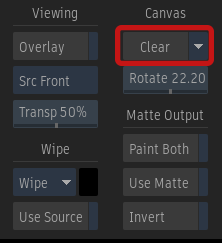
Clear Canvas option box
The strokes are removed from the result image.
Rotating the Canvas
During the painting process, you can rotate the canvas, making it easier to paint on any part of your image.
To rotate the canvas:
Do one of the following:
- Set the angle of rotation in the Rotation field.
- Press Alt and drag in your image.
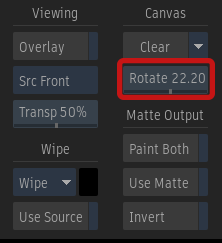
Rotation field
Wiping the Canvas
You can wipe the result image when you want to apply a uniform colour at the current frame in a single brush stroke. Alternatively, you can use a source, to wipe over an image.
To wipe the result image with a colour or a source:
From the View box, select Result (F4).
Do one of the following:
- Pick the wipe colour by clicking the colour pot to the right of the Wipe button.
- Select the source in the Sources list and enable Use Source.
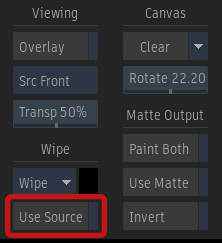
To display the source as an overlay of the result image, enable Overlay (Tab). You can apply transformations to the source before you apply the wipe:
- To interactively offset a source image, press Ctrl+Shift and drag the source. See Previewing a Reveal or Clone Using a Reference Image.
- To scale the source, enter a value in the Scale field.
- To rotate the source, enter the angle of rotation in the Rotate field.
Do one of the following:
- Click Wipe to wipe the front and matte.
- Click the Wipe dropdown list and select Wipe Result to wipe the front only.
- Click Wipe dropdown list and select Wipe Matte Out to wipe the matte only.