You can use annotations to place text on a drawing to describe a plant object such as a tank, line, or valve. In Plant 3D, you use annotations only for orthographic drawings.
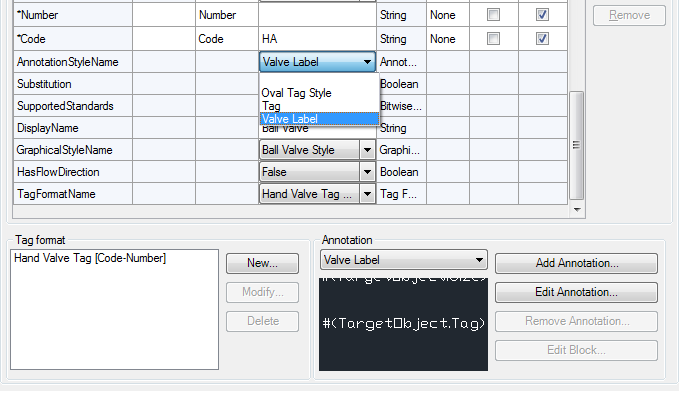
You can create an annotation style that is based on an existing annotation style or a template, or create a new annotation style. To base an annotation style on a template, use AnnotationTemplates.dwg (usually located in the Program Files directory), and select a block from the drawing. The template blocks contain dynamic block parameters. With these parameters set, an annotation sizes dynamically when placed in a drawing.
Annotations can size dynamically when you add them to a component.
When you create dynamically sized annotations, you can use the Assign Annotation Format dialog box to assign the format string to the attribute and to any associated dynamic block parameters.
Using any other method (including the Attribute Definition dialog box), you apply the format string to the attribute only. In addition, to enable the dynamic sizing behavior, you would have to update each instance of associated dynamic block parameters. The only reason to use the Attribution Definition dialog box is to set other attribute properties, such as text style and height.
If you create an annotation using a block, you can add dynamic sizing behavior to the block. To understand how AutoCAD dynamic blocks are created, see “Overview of Dynamic Blocks” in the AutoCAD Help system.
You can change the following styles for annotations:
- Symbol properties. Sets the name of the annotation style and defines the block that is displayed when the style is used.
- General style properties. Sets layer, color, linetype, linetype scale, plot style, and lineweight.
- Other properties. Sets the scale factor used for the symbol, whether the annotation inherits the component properties, whether the annotation is linked to a component, whether the annotation is automatically inserted (P&ID only), whether to use a leader, and whether to match the orientation of the target object.