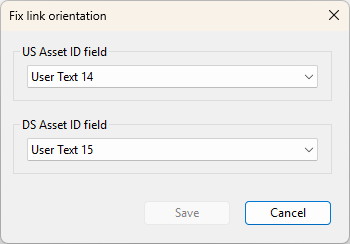
The Fix link orientation dialog allows you to specify the upstream and downstream asset ID where the orientation for pump stations, valves, non-return-valves, and meters will be reversed to the correct direction, if required.
This dialog is displayed when you click the Fix link orientation button in the Task Sequence editor.
In the US Asset ID field and DS Asset ID field, select from the drop-down list the User Text fields where the orientation will be reversed (if required).