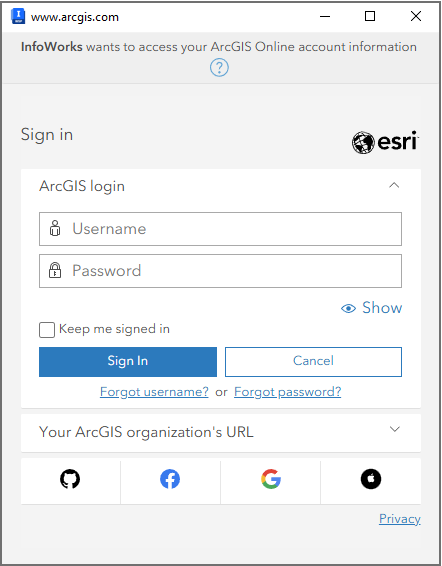
This dialog is displayed when you click Login in the ArcGIS tab in the Options dialog, and is used to sign in to your ArcGIS online account.
To sign in:
- Specify your username and password into the relevant boxes.
- Click Sign In.
The dialog closes and a message appears informing you that you are signed in.