Per-View Preference Viewport Label Menu
The Per-View Viewport Label menu provides additional options for Nitrous displays.
Quality menu
Interface
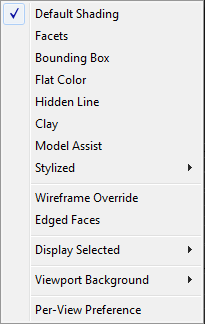
Default Shading
Textures geometry with shading and lighting as set in the Shading viewport label menu.
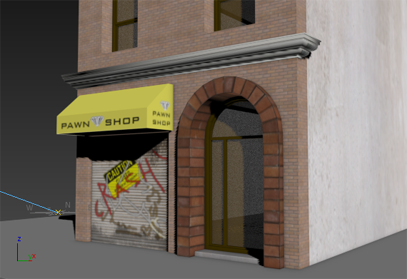
Default Shading display
Facets
Displays geometry as faceted, regardless of its smoothing group settings. This option is provided as a convenience to modelers, especially character modelers, who want to see the precise geometry they work with.
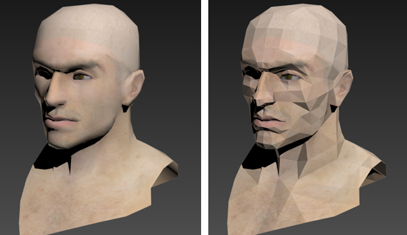
Facets display (left, smoothing; right, with facets)
Bounding Box
Displays only the edges of each object's bounding box.
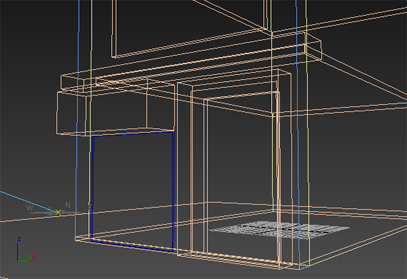
Bounding-box display
When Bounding Box is active and you also turn on Display Selected > Display Selected With Edged Faces, selected objects appear as wireframes. This option is on the Shading viewport label menu.
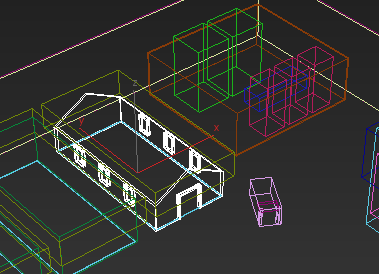
Similarly, when Bounding Box is active and you also turn on Shade Selected Objects, selected objects are shaded. This option is in the Selection group on this panel—see below—and on the Views menu; or for Alt menus, Scene menu > Configure Views.
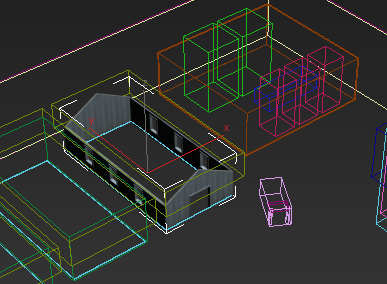
When selected, building walls appear shaded in a bounding-box viewport.
Shade Selected Objects is turned on.
Flat Color
Shades geometry with flat colors disregarding the lighting. Shadows however are still displayed.
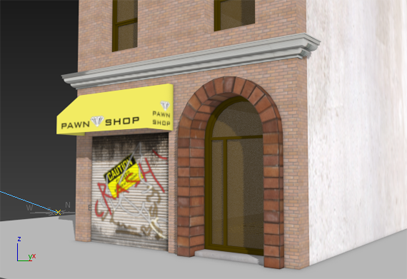
Flat Colors display
Hidden Line
Hides faces and vertices whose normals point away from the viewpoint, as well as any parts of objects that are obscured by closer objects. Shadows are displayed.
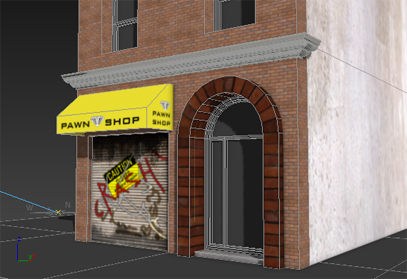
Hidden Line display
Clay
Displays geometry as a uniform terracotta color. This option can be helpful to modelers who don't want to be distracted by the texture of an object.
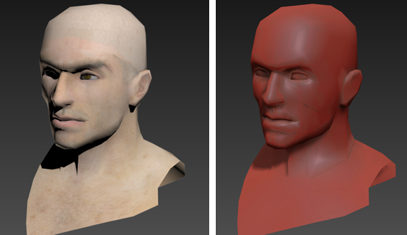
Clay display (left, realistic shading; right, clay shading)
Model Assist
Similar to Default Shading, however shades the faces based on the visible edges when there are no smoothing groups, while Default Shading shades based on the triangulation, matching the rendering output. Model Assist mode can be handy for viewing the overall flow of a model without additional visual distraction. The effect of the shading mode is only visible for edit poly and editable poly.
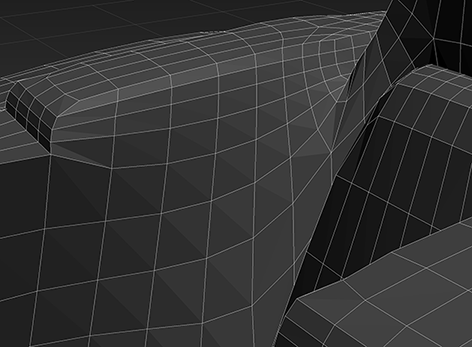
Object detail with Default Shading enabled
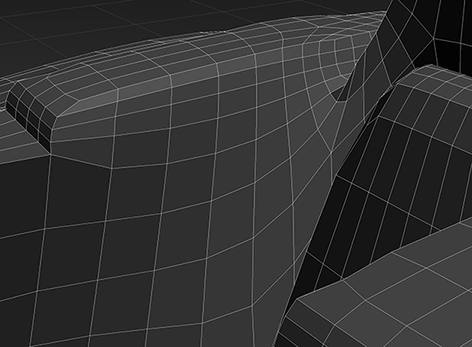
Object detail with Model Assist enabled
Stylized
Displays a submenu of non-photorealistic styles to select: Graphite, Color Pencil, Ink, Color Ink, Acrylic, Pastel, and Tech.
Wireframe Override
Overrides visual settings to display geometry in wireframe mode.
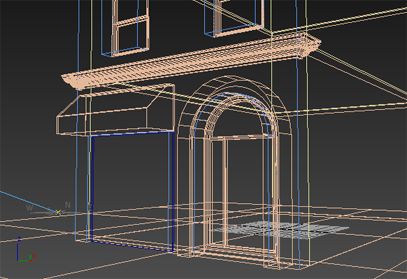
Wireframe display
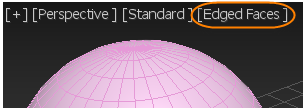
Edged Faces
Shows face edges in the viewport.
Display Selected
Displays a submenu with options for displaying faces that are selected: either with edges or shaded.
Viewport Background
Displays a submenu with options for the viewport background.
Per-View Preference
Opens the Viewport Setting and Preference dialog.
Procedures
To customize the Per-View Preference Label menu:
- From the Menu bar, choose Customize > Customize User Interface....
- From the Custom User Interface dialog, click the Menu tab.
- From the Menu panel, click the drop-down menu on the top right and choose Viewport Menu Label Bar.
- In the Menu window, add and remove commands as required under Views - Per-View Preference.