Delete Points Modifier
The Delete Points modifier deletes or disables points from a Points or 3DGS object based on a selected target. Unlike manually selecting and editing points directly on an Editable Point object or an Edit Point modifier, Delete Points lets you target points by criteria like a soft selection, a named selection, or a point's color.
 Modify panel > Make a selection > Modifier List > Object-Space Modifiers > Delete Points
- Default menu: Make a selection > Modifiers menu > Point Editing > Delete Points
Notes
- The Delete Points modifier works with any object that has points.
- Use Disable mode instead of Delete mode when you want a reversible way to temporarily remove points from a scene. For example, if a cluster of points, like trees in a point-instanced forest, block a camera for one shot, disable them instead of deleting them so you can bring them back later.
Interface
Parameters rollout
Targeting
Determines which points are deleted or disabled. Select from the following options:
From Stack: Deletes or disables the point selection passed up the modifier stack, for example from a Point Select modifier lower in the stack. If no selection is passed up the stack, Delete Points targets all points.
Selected Points: Deletes or disables the current point sub-object selection on the object. If no points are selected, Delete Points has no effect.
Soft Selected Points: Deletes or disables a soft selection passed up the stack. The Threshold value sets how far along the soft-selection falloff a point needs to be weighted before it's targeted. If the Threshold value is set to 0, all points are considered as selected, which results in all points being deleted or disabled. If the Threshold value is set to 1, only the selected points are used and no soft selection is applied.
All: Deletes or disables every point on the object, regardless of any selection.
None: Temporarily turns off the Delete Points modifier's effect without removing it from the stack.
Named Selection: Deletes or disables the points in a named selection set.
Tip: You can select an existing named selection set, for example a selection set listed in the Channels & Data rollout of an Edit Point modifier.Point Color: Deletes or disables points by color. Use the color swatch to pick a color, then adjust Tolerance to widen or narrow the match.
In the following example, only the green points are deleted because the color swatch is set to green and Tolerance is set to 10%.
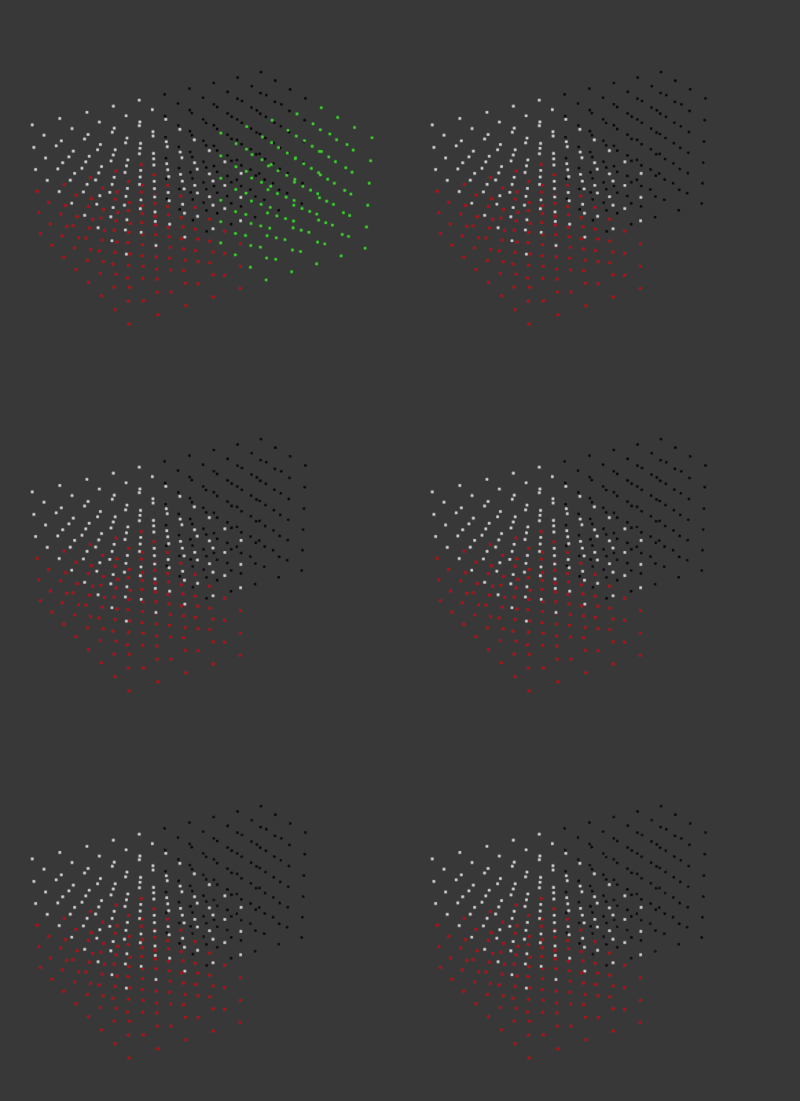 Note: Point Color matching is based on hue. Black and White share the same (undefined) hue, so picking either color can select both black and white points. To target only black or only white points, reduce the Tolerance parameter.
Options
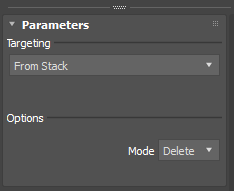
Mode: Sets whether points are deleted or disabled.
Delete: Permanently removes the targeted points from the object's point data. To bring the points back, turn off or delete the Delete Points modifier.
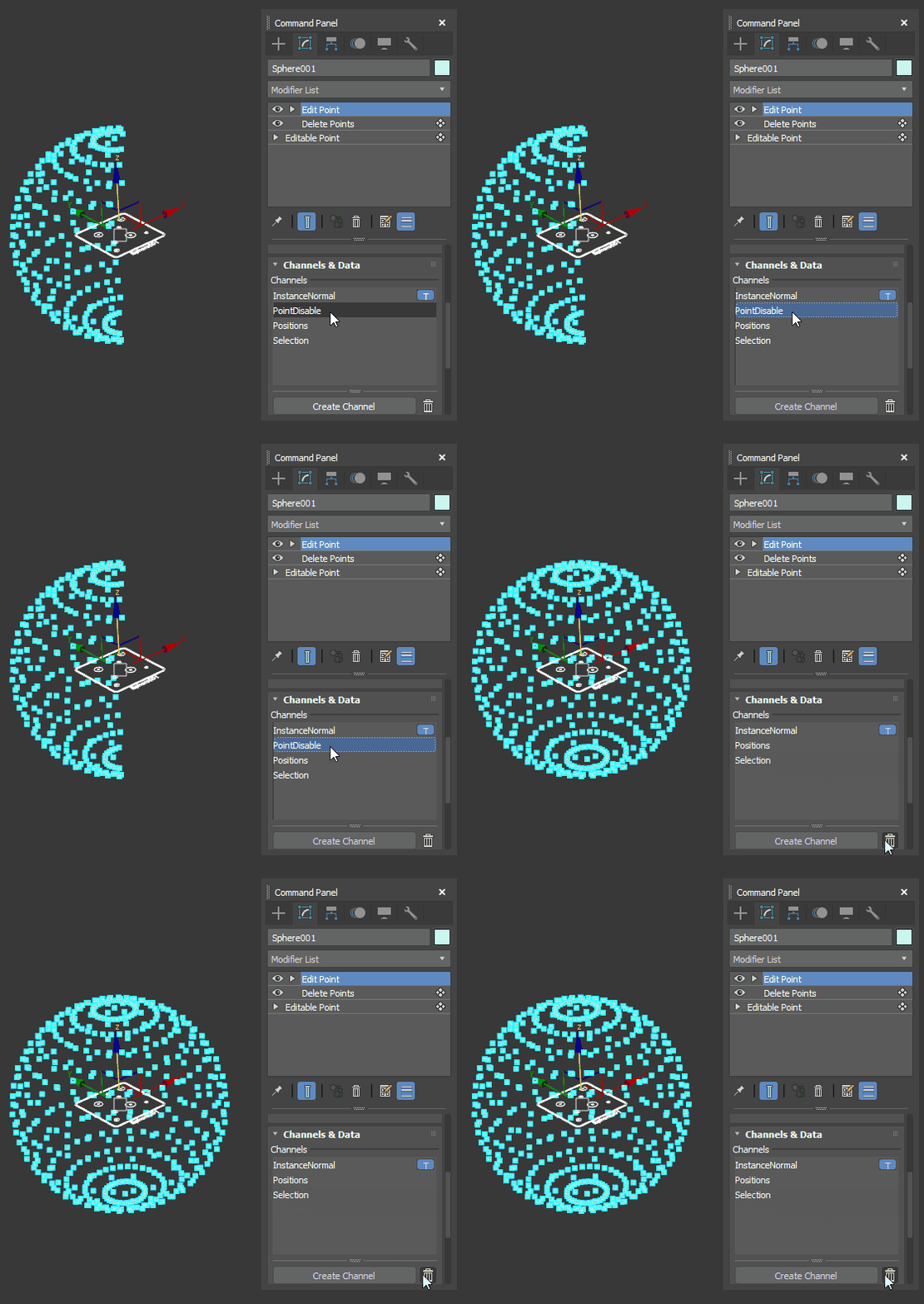
Disable: Hides the targeted points and excludes them from further processing, without deleting them. Disabled points are tracked in a Point Disable channel, which is visible in the Channels & Data rollout of an Edit Point modifier or Point Select modifier placed above the Delete Points modifier in the stack. Delete the Point Disable channel to restore the points.
In the following example, half of the points on the sphere have been disabled. Deleting the PointDisable channel from the Edit Point modifier up the stack brings the points back.