Autodesk 3ds Max MCP server (Tech Preview)
External MCP clients can now use the 3ds Max MCP server to read and change your 3ds Max scene.
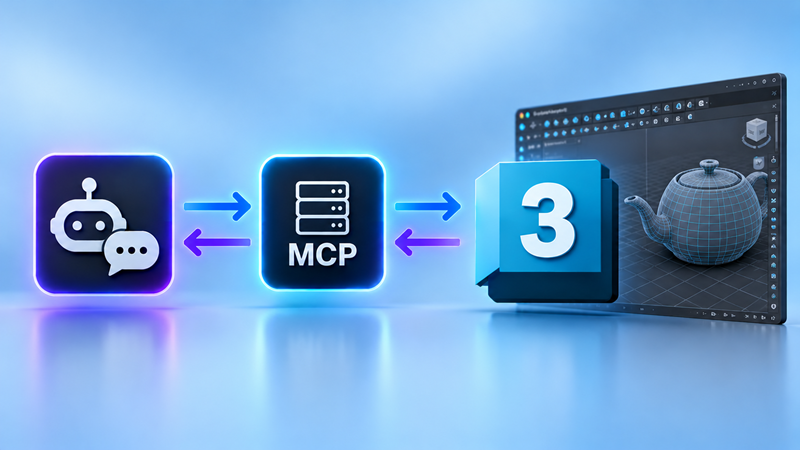
3ds Max 2027.3 introduces a new MCP (Model Context Protocol) server that acts as a bridge between 3ds Max and external AI clients. MCP tools let these clients read information about your scene and, with your permission, make changes to it. The results are fast and editable, so you can spend more time on the work you love instead of on repetitive tasks.
- Quick and easy connection: Connect an external client you already use to 3ds Max with the new 3ds Max MCP server. Turn on the server in the MCP Preferences, set the tool level, and copy the connection settings into your client. The server runs locally on your machine.
- Controllable results: By default, you review and approve each MAXScript a client proposes before it runs.
- Administrator control: System administrators can use environment variables or registry values to set the tools that are available, and lock them for users. See Admins: Configure 3ds Max MCP server.