What's New in 3ds Max 2027.3
Welcome to 3ds Max 2027.3! You can access the 3ds Max 2027.3 Update from your Autodesk Account.
Read on to learn about the new features and updated workflows you'll find in this release. For technical details including what's fixed, please see the 3ds Max 2027.3 Release Notes.




What else is new?
| Dead Vertices repair type | A new Dead Vertices option is now available in the Mesh Cleaner modifier. It detects vertices that were removed but not fully deleted when editing an Editable/Edit Poly object. See Mesh Cleaner. |
| PrintJob export | You can now use a new exporter preset named Cuttlefish (.printjob) to format exported data so it's compatible with the Cuttlefish 3D printing driver. The new preset is available in the OBJ Export Options Dialog or when you select File > Export. For more information, see https://www.cuttlefish.de/. |
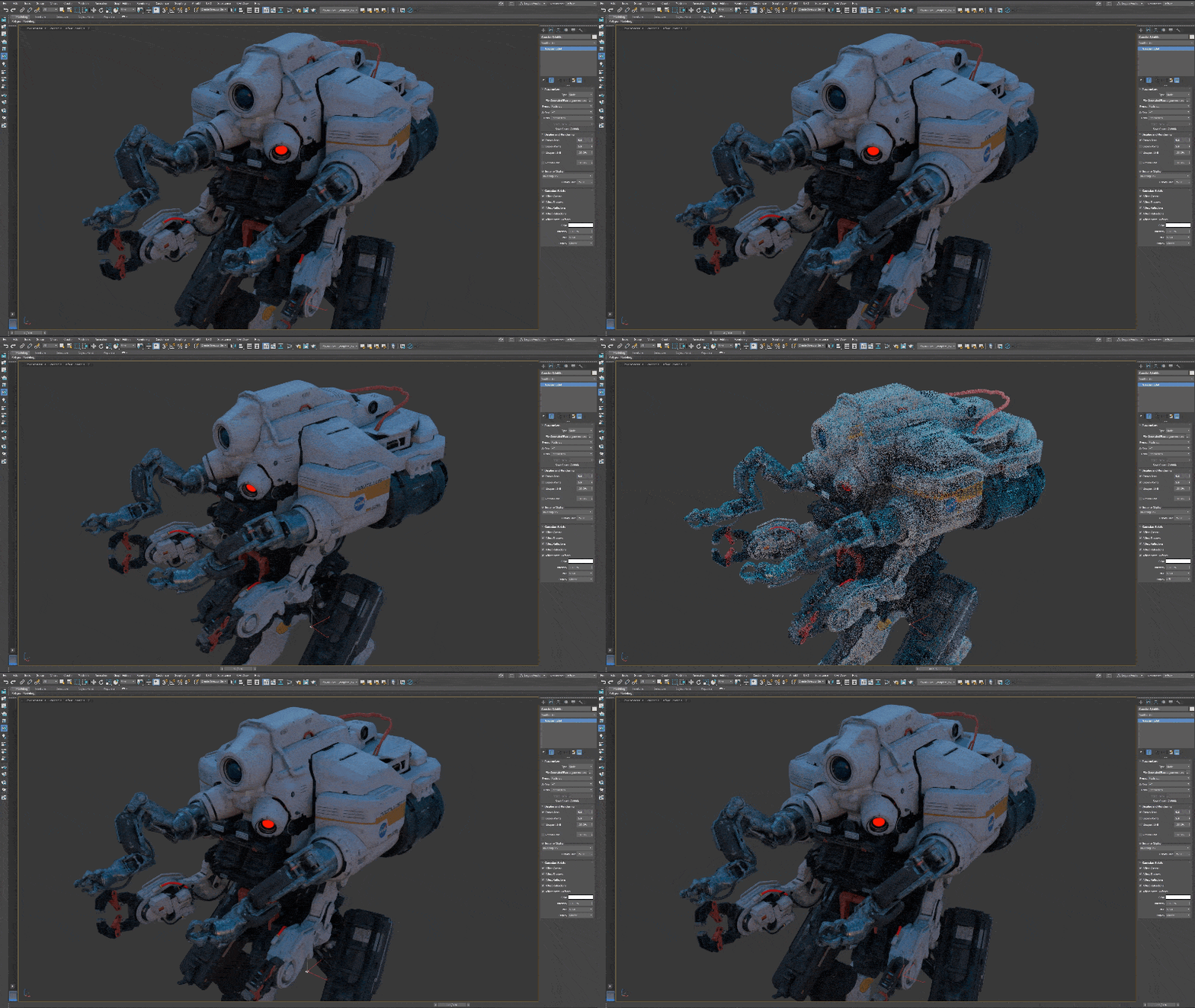
| Flex Modifier performance improvements | The Flex modifier is now up to 50% faster, thanks to various performance improvements. A new Matrix Interpolation parameter interpolates sub-frame positions instead of re-evaluating them, which helps most when the modified object is attached to another object. See Flex Modifier. |
| Improved File > Save performance | Save To Previous is now faster in scenes where an Edit Poly modifier is instanced on many nodes. |
| Smart Bevel enhancements | Continued work on Smart Bevel in the 2027.3 release corrects various known issues and produces better output. For example, Smart Bevel now removes extremely short edges before beveling, so they no longer distort the cutback curve. The cutback also no longer cuts across its own boundary as the amount increases. In addition, Smart Bevel now processes all specified edges and keeps straight input edges from bulging or shifting. For a complete list of Smart Bevel fixes, see the 3ds Max 2027.3 Release Notes. |
| Skin Modifier updates weight influences in the viewport | The Skin Modifier's bone weights now update in the viewport when you switch the active bone in the bone list. This fix affects the Solid Color, Gradient Color, and Synchronize with Display Mode viewport backgrounds, which became the default modes in 3ds Max 2027. |
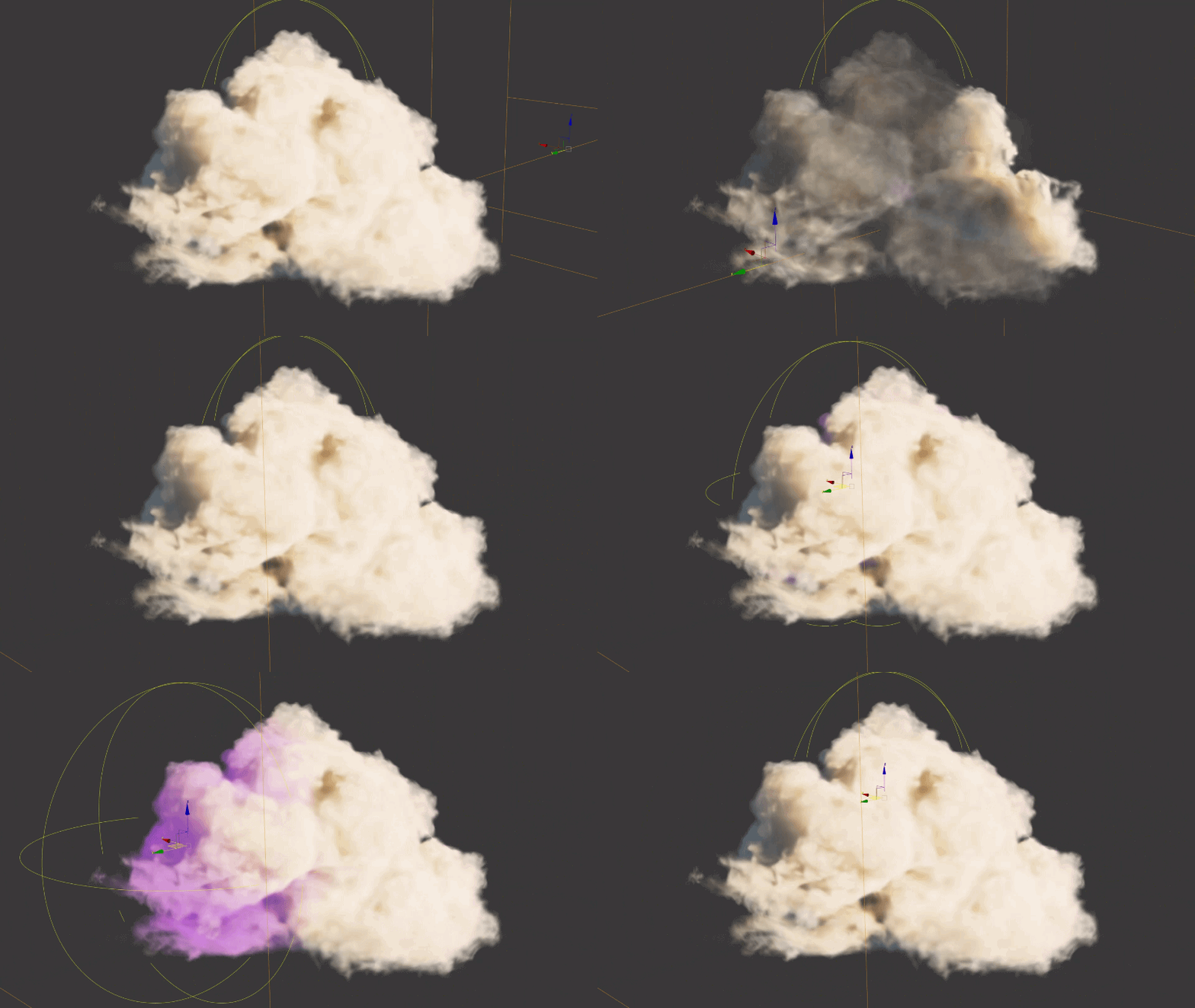
| Field Helper updates | The Field Helper now supports custom Inside and Outside values (From and To for the Linear shape) instead of fixed 1 and 0 outputs. The Unbounded option is now available on every shape, so a single helper can define one value inside a volume and a different value everywhere else, blended across the Falloff distance. A new Inverse Normalized Float type outputs 0 inside the gizmo and 1 outside it. You can use these updates to help with the Affect Channel or Volume Select modifiers, or Float Expression Controllers for animation. |