3DGS Viewport Display
Gaussian Splats now display directly in the viewport using a splat shader, with back-to-front sorting and true splat color, so you can evaluate 3DGS scenes before rendering.
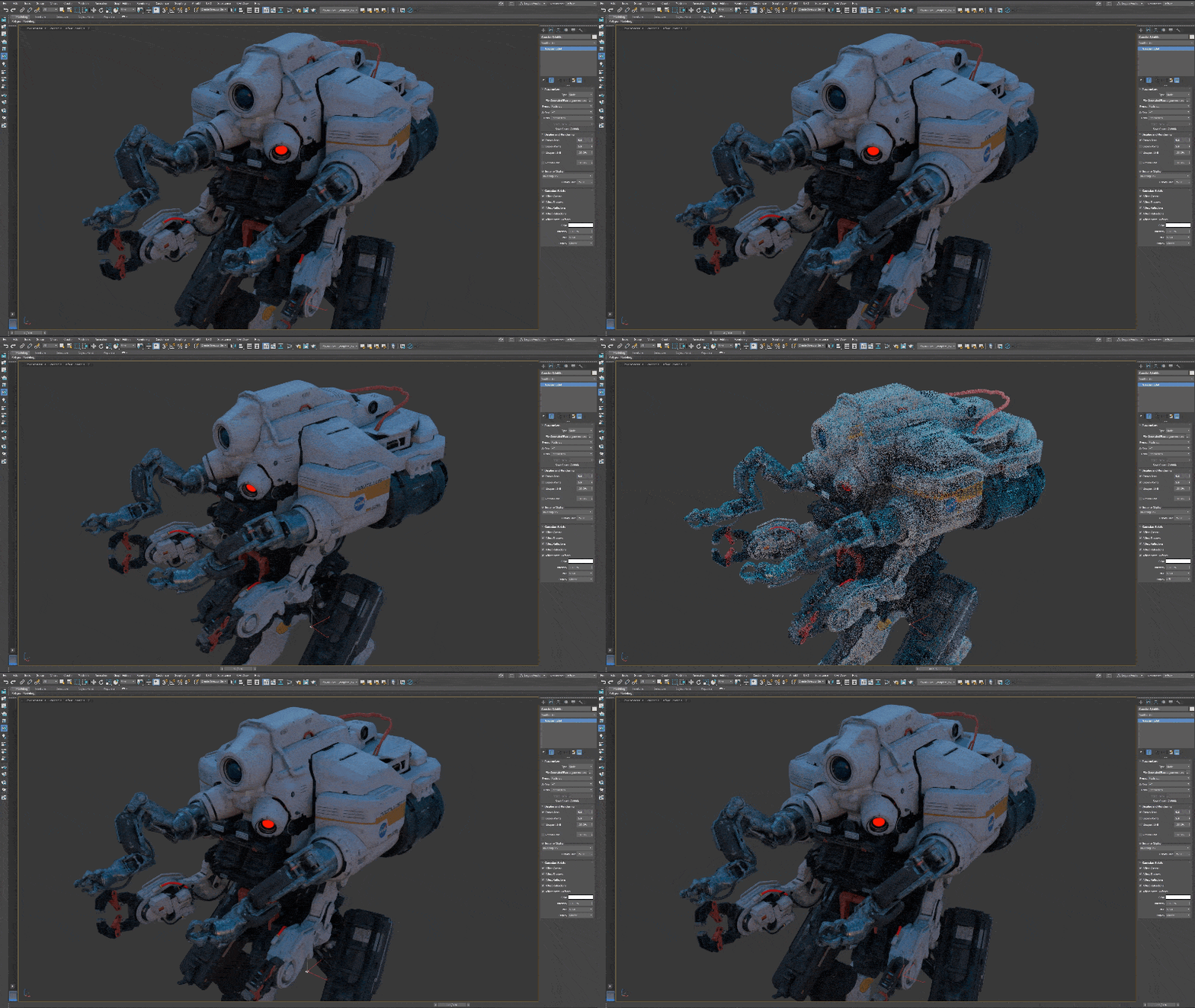
Gaussian Splat viewport shader
You can now display splats directly in the viewport. In 2027.2, you could only see the default colored points or use an IPR viewport. Now the shader helps you evaluate dense or overlapping 3DGS scenes before rendering:
- Sorting and draw order: Splats within an object now draw back-to-front, with the splats closest to the camera on top. Overlapping Gaussian Splat objects draw by camera depth instead of scene order, so the object closest to the camera appears in front.
- Splat color: Splat color in the viewport is designed to match renderer output as closely as possible.
- Display option: The Display setting on the Gaussian Splats rollout of the Editable Point object and the Edit Point modifier has two options: Off and Shader. Select Shader to turn on the viewport display. The shader uses your GPU, with a CPU fallback, so viewport performance depends on your system.
Point Display and Rendering Modifier
Use this new modifier to control how the points of a Points or 3DGS object display in the viewport and how they render. Place it at the top of the modifier stack to override the display and rendering settings of the modifiers below it, so you can control the whole object from one place. See Point Display and Rendering Modifier.