Desktop Connector allows you to access and manage files organized in projects stored in Forma Data Management directly from your local computer.
If you do not see any projects, or the project you need, in the Autodesk Projects section of the Start tab, try these steps:
Synchronize or unsynchronize projects
You can add or remove projects from your cloud data source at any time using the Select Projects menu. See the Desktop Connector help for more information.
-
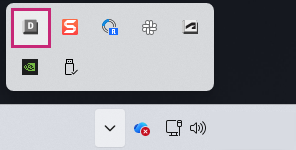
Right-click the Desktop Connector tray icon.
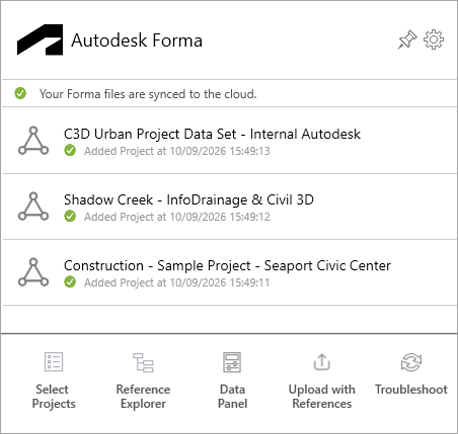
- Click Select Projects.
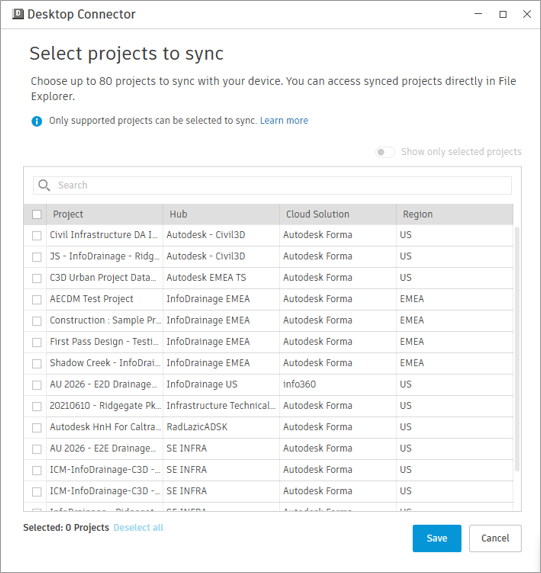
- Select the project you want to synchronize or uncheck the project you want to unsynchronize.
After selecting projects to synchronize or unsynchronize, it may take some time to complete the operation. You can monitor the progress in the Desktop Connector interface.
Related Concepts