Welcome to Maya 2027! You can access this release from your Autodesk Account.
Read on to learn about the new AI-powered tools and other updates aimed at improving everyday content creation workflows. For technical details including What's Fixed, see the Maya 2027 Release Notes. For changes to the 2027 Maya devkit, see What's New in the 2027 devkit.


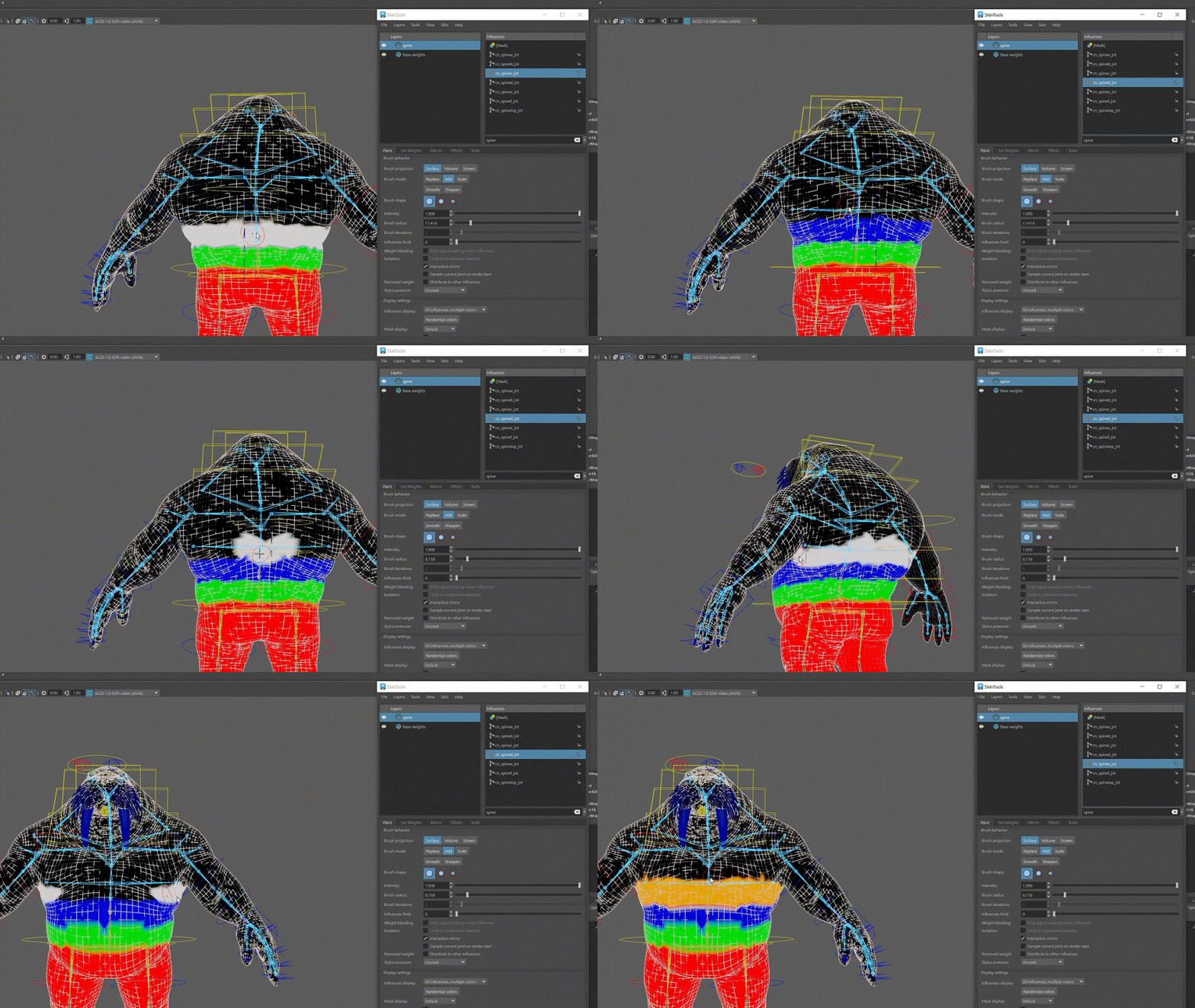
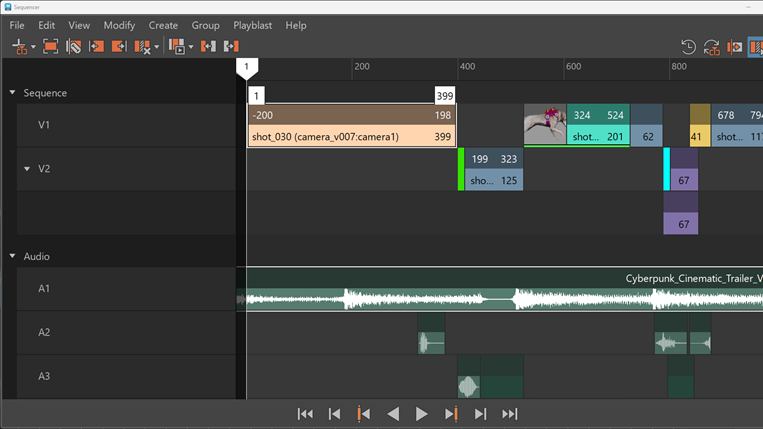
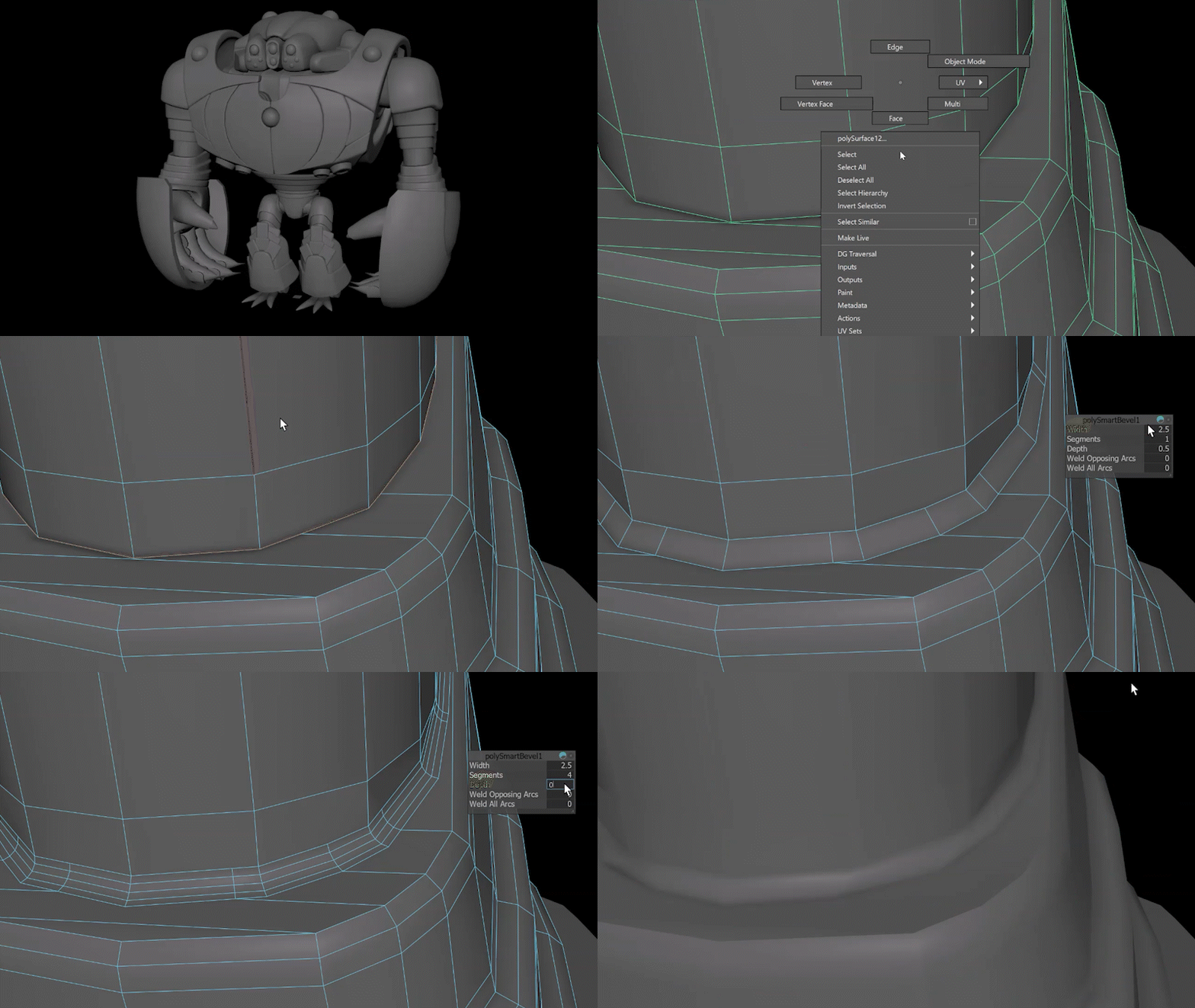
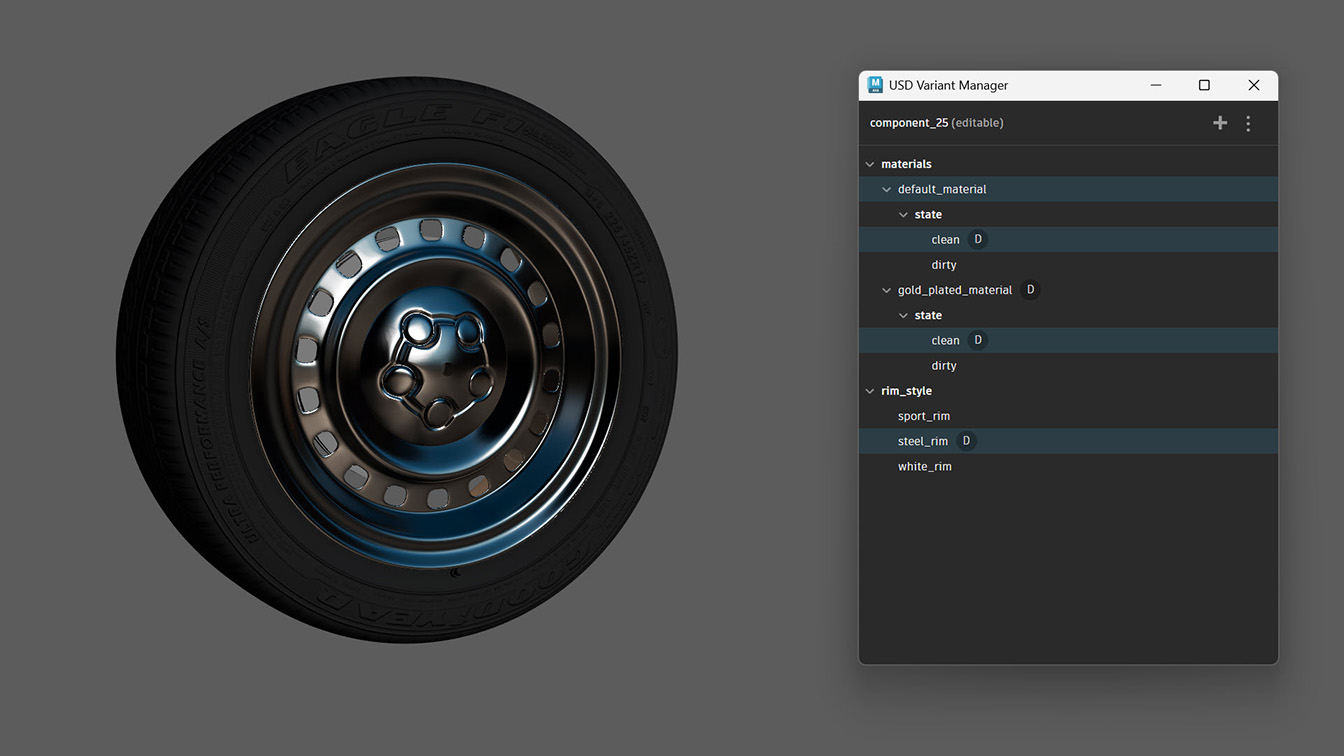
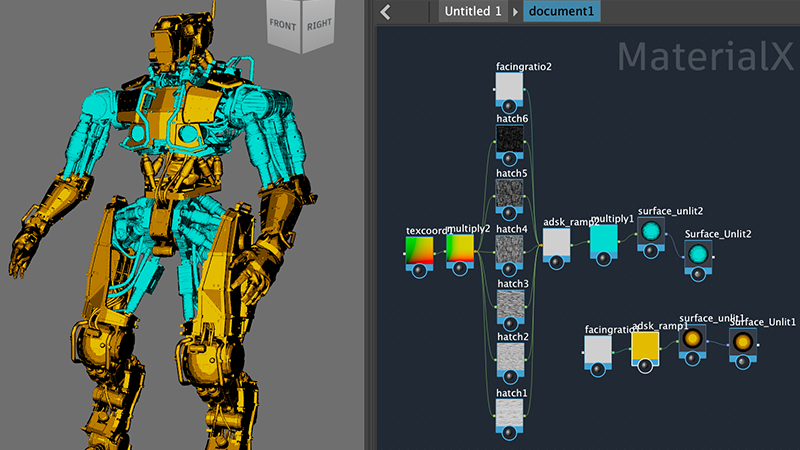
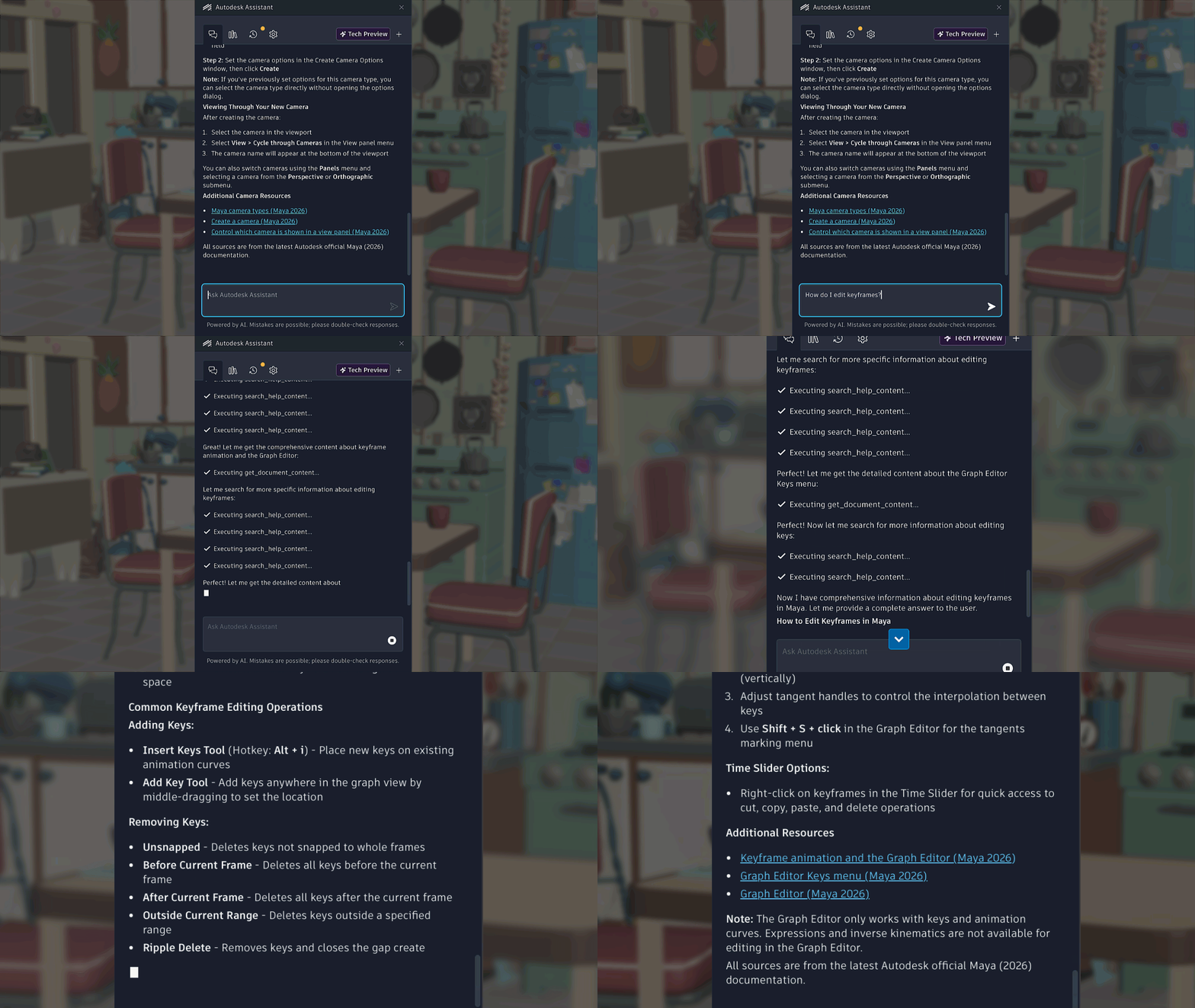

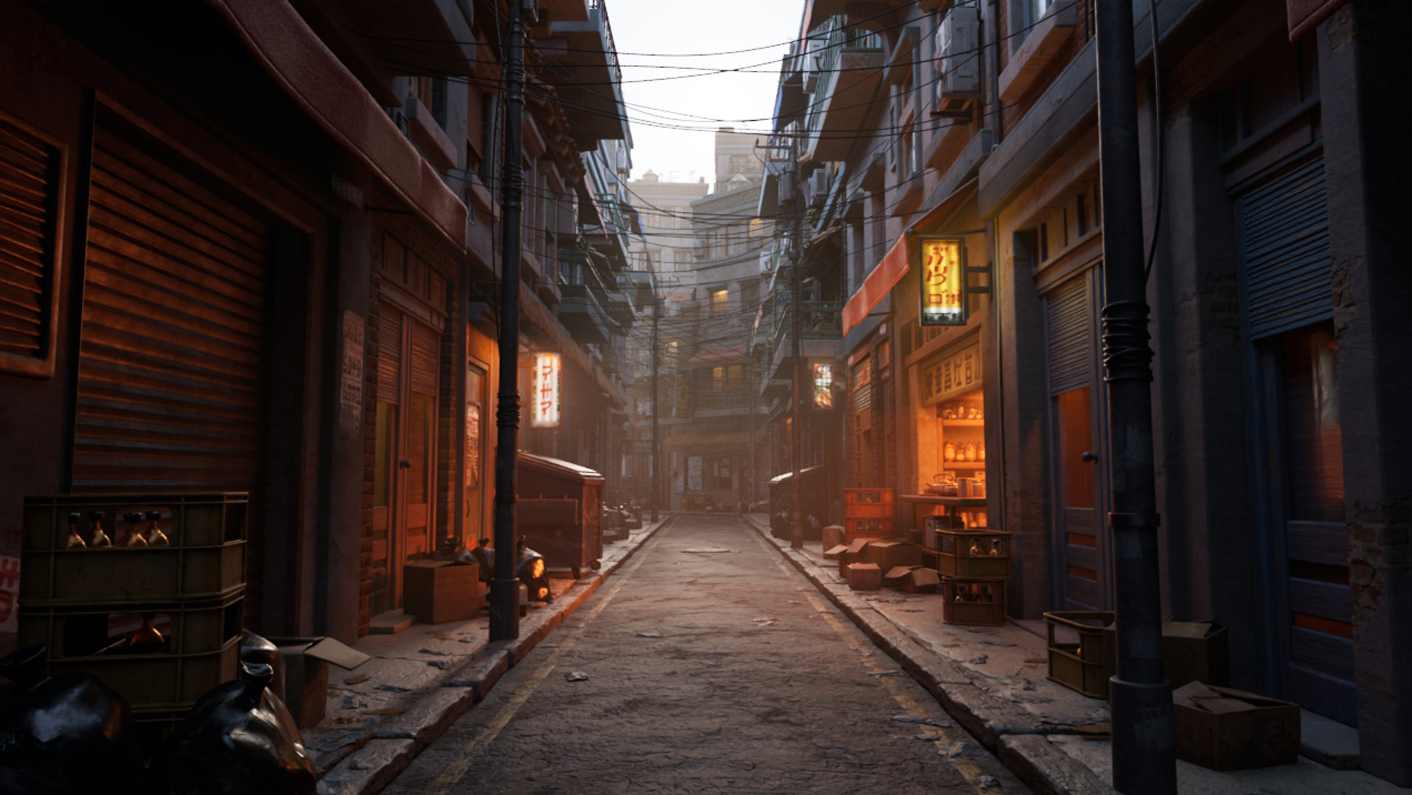
What else is new?
This release of Maya also includes the following changes and improvements.
| MotionMaker |
|
| Graph Editor | The Auto, Mix, Ease, and Custom buttons in the Graph Editor are now organized into a separate toolbar group. This group is collapsed by default. |
| Color Management | Maya now uses the latest version of the OpenColorIO library: OCIO v2.5.1. |
| Substance 3.0.5 |
Maya 2027 includes Substance 3.0.5, which uses engine version 9.0.1 and includes stability and other fixes. |
| Import user normals in FBX | The FBX import options now include the option to include user normals. |