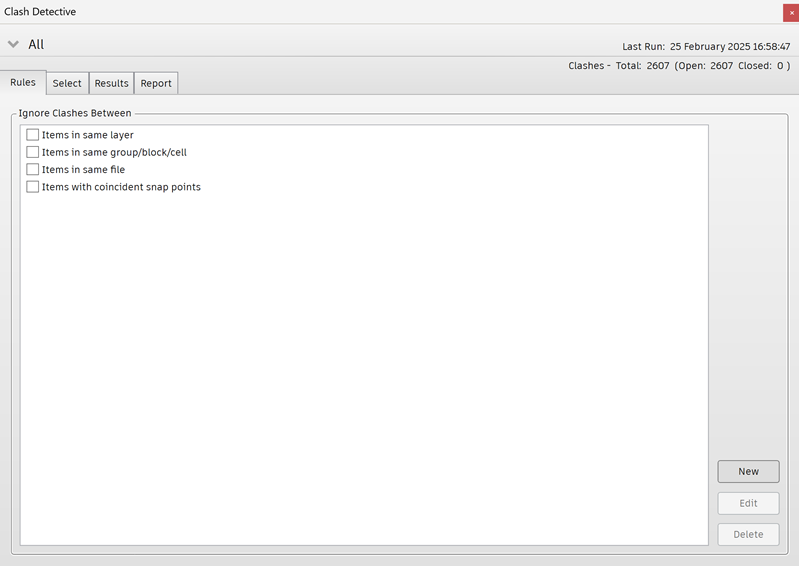
Rules Window
The Rules window enables you to define and customize ignore rules to be applied to clash tests. It lists all currently available rules. These can be used to make Clash Detective ignore certain model geometry during a clash test. Each of the default rules can be edited and new rules may be added as necessary.
Tip: The Rules window displays the number of active rules. This can be a helpful reminder if you aren't seeing as many clashes as you expect.