Each results type has an assigned representation style.
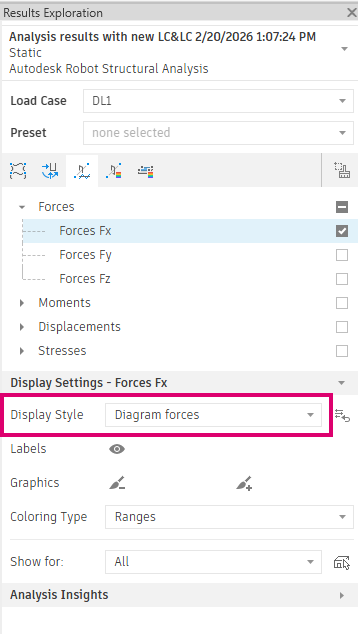
Note: You can change the representation style for any results type. You can adjust the display style from the
Analysis Result Settings dialog.
If you want to temporarily adjust the results visualization for a selected results type without permanently modifying the style, use the override settings for:
- labels
- graphics color
- coloring type
Another option for adjusting the results representation is Show for. This option lets you select, based on structural role, the elements for which results are displayed. By default, this option is set to None.
Note: To quickly clear all overrides, click the brush button next to the display style. This restores the representation to the selected display style settings.