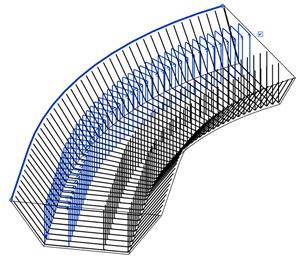
You can change the shape, bar dimensions, properties and positioning with respect to the distribution path.
- Select one or several path shape distribution rebar sets.
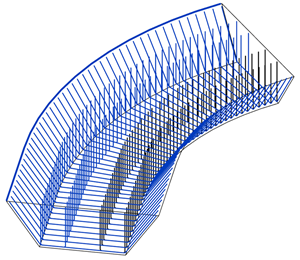
- In the Modify | Structural Rebar tab
 Definition panel, select
 (Modify Bar).
Note: When you click Modify Bar, only one bar from each set that was selected will be displayed. If the active view is a section view, the first bar from the set that is visible in that section view will be displayed. If the active view is a 3D view, the first bar in the set is displayed.
(Modify Bar).
Note: When you click Modify Bar, only one bar from each set that was selected will be displayed. If the active view is a section view, the first bar from the set that is visible in that section view will be displayed. If the active view is a 3D view, the first bar in the set is displayed. - Select the bar and change the dimensions, change the rebar shape, or the position relative to the distribution path (1).
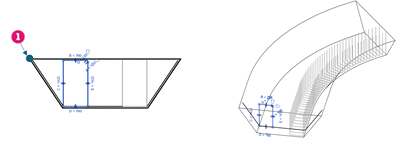
- Click Finish to update the set.