Quickly create consistent documentation with the new Tag by Example workflow.
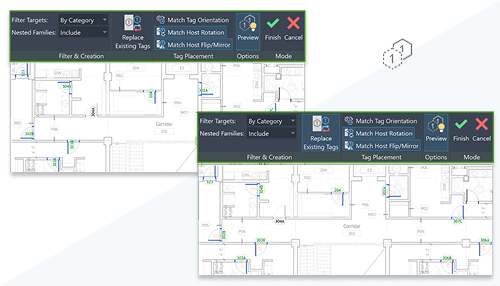
Simply select an existing tag to generate new ones that match its appearance and properties. Flexible options let you filter target elements, include nested families, replace existing tags, and control orientation and placement—while a live preview shows results before you commit. This helps ensure tagging consistency while significantly speeding up placement across your model.
This feature is described on the product road map.
See Tag by Example.