After acquiring contextual data for a Forma scenario, you can convert selected items or portions of the data to Revit elements. You can then modify the elements to incorporate them into your design.
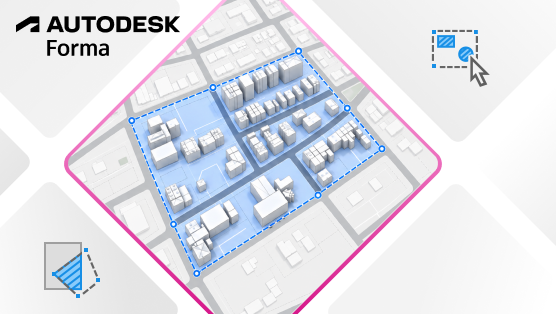
As a Forma connected client, Revit supports the ability to order data sets, such as terrain and surrounding buildings, from the Forma Data Marketplace to provide context for your building model.
In addition to converting the entire data set to a corresponding Revit element, you can now select individual items (such as individual buildings) or precise areas of the data set (such as parts of the terrain) for conversion. You can then incorporate the elements into the design, modifying them as needed to reflect your design intent.
This capability may be useful, for example, if you ordered a large area for the data set, and you only want to convert a portion of it to incorporate and modify as part of your design.
For details, see About Converting Contextual Data and Create Elements from Selected Contextual Data.
This feature is described on the product road map.