Add and Publish Specifications
Project managers can use the Specifications tool to publish and distribute specifications for use on site. Forma Data Management, Forma Build and Forma Takeoff use Optical Character Recognition (OCR) to read the PDF files which are added to the specifications publishing process. After each document is uploaded into the tool, OCR automatically extracts specification sections and titles for your review. You can edit section details as required before publishing to the field.
After the specifications are published, they are visible to project members. Project members are notified by email that new or updated specifications are available unless they have changed their notification settings.
Access the Specifications Tool
Sign in to Autodesk Forma using your credentials.
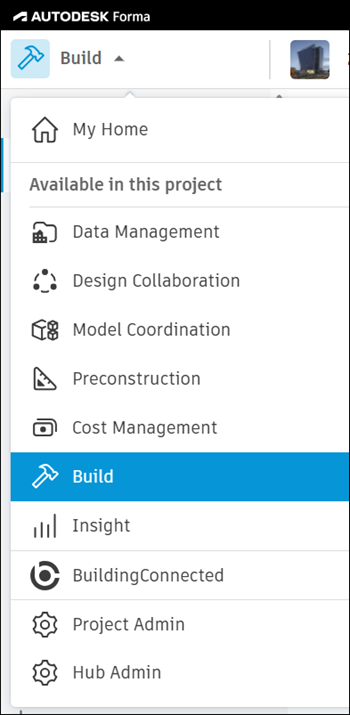
Click the product picker and select Forma Build, Forma Data Management or Forma Takeoff.
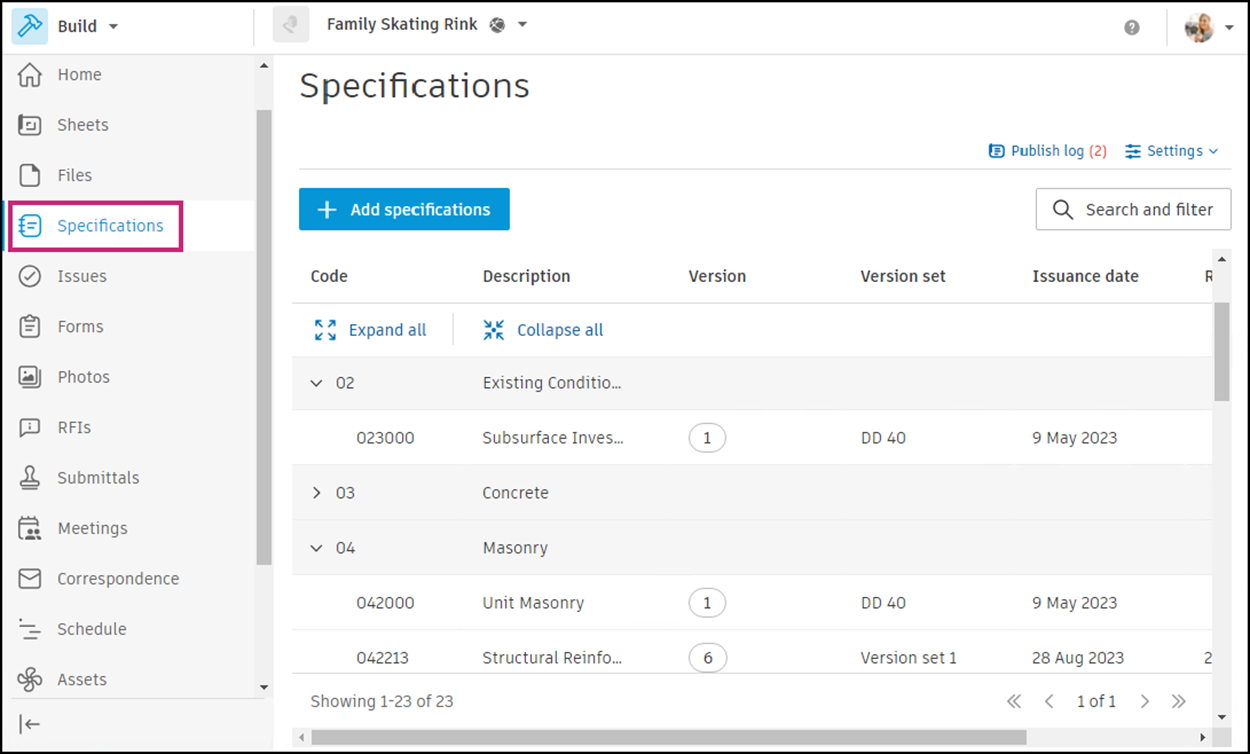
Click the Specifications tool.
Specifications Publishing Workflow
You can now follow these steps to publish your specifications: