Learn about new features in the latest release of Autodesk Grading Optimization 2022.3. For technical details, see the release notes for more information.
The Optimisation Panel provides a heads-up display for reviewing and analysing optimisations in progress.
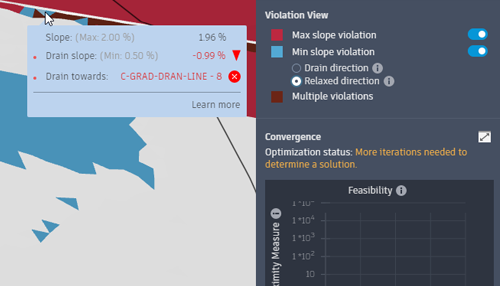
Review violations and assess fixes from the Optimisation Panel
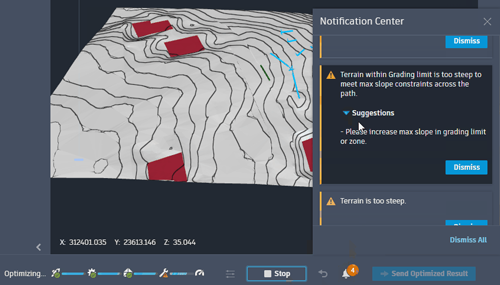
The Notification Centre detects and displays optimisation issues and suggests solutions.
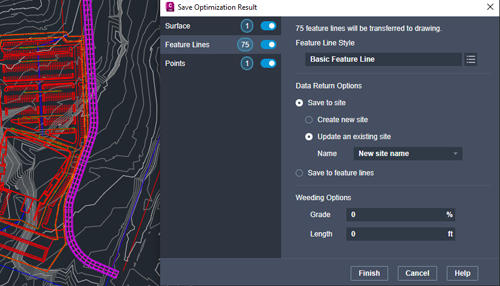
The Save Optimisation Result dialog has been updated for workflow clarity.
Several additional new enhancements have been made to improve your grading optimisation workflows.
The learning content has been enhanced with both updated and new topics.
Retaining walls are a new grading object with which you can constrain surface terrain during grading optimisation.
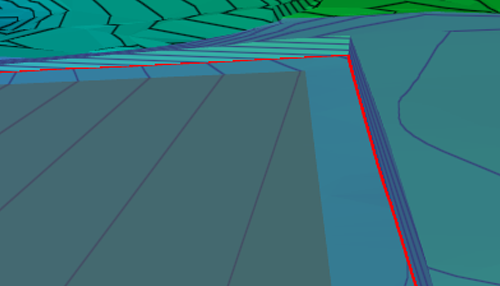
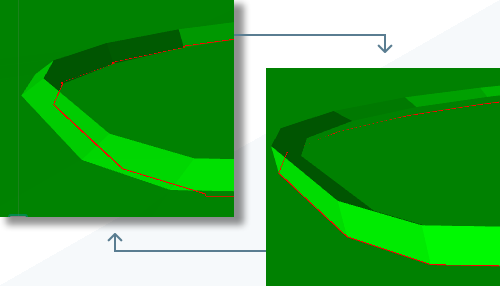
You can now swap the face and back sides of a kerb with a property setting instead of manipulating the kerb geometry.
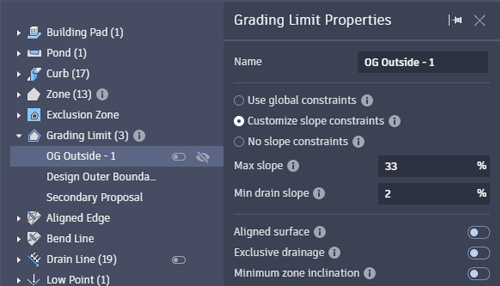
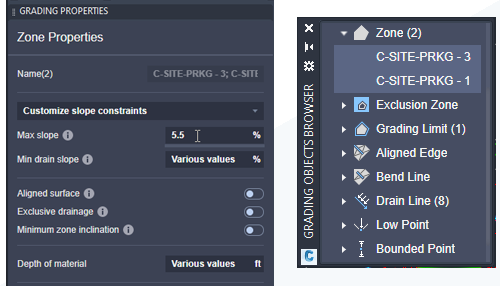
Grading Limit is now a grading object category in the Grading Objects Browser.
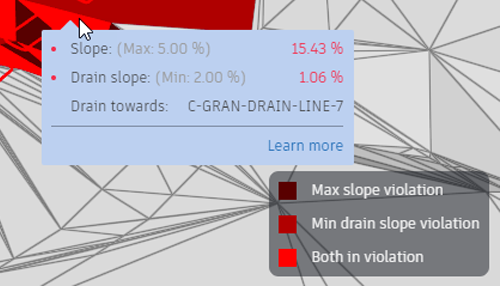
The Violation View has been updated with a legend that helps you understand the displayed slope constraint issues.
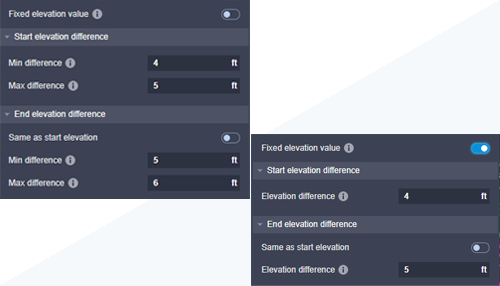
Grading objects with Minimum Elevation and Maximum Elevation object properties can now be set to a single fixed elevation.
Select multiple grading objects of the same category and either edit their properties or remove the objects from your project.