User Interface Changes
A significant UI refresh with a new ribbon menu, contextual tabs, and a more modern look and feel.
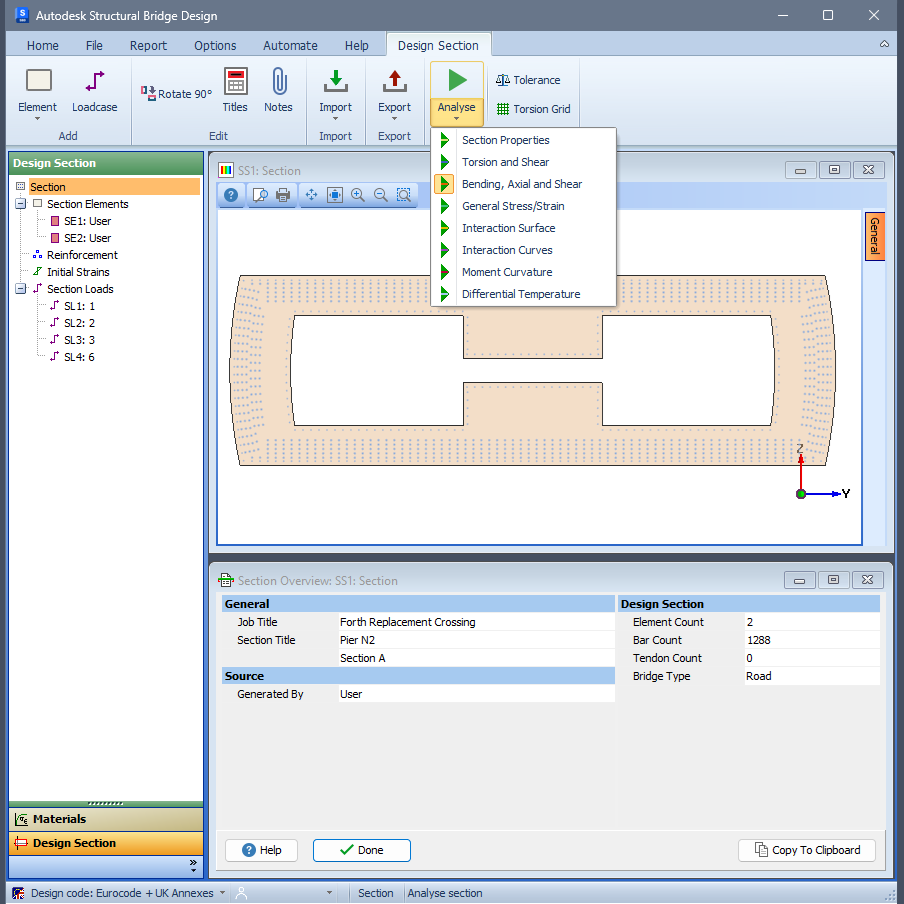
The 2027 release features a significant UI refresh, including new ribbon menus for a more modern and consistent look and feel.
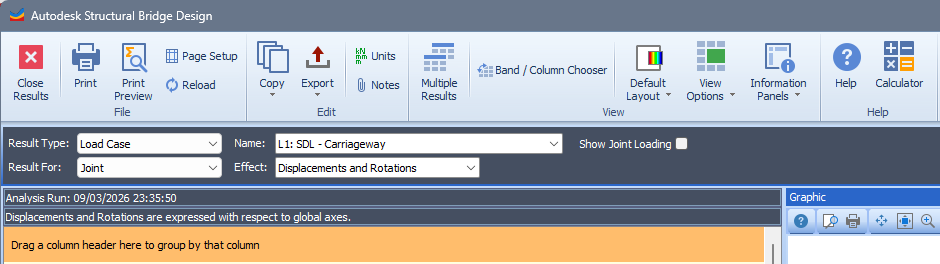
Contextual tabs have been implemented that change according to the object being modelled or designed.
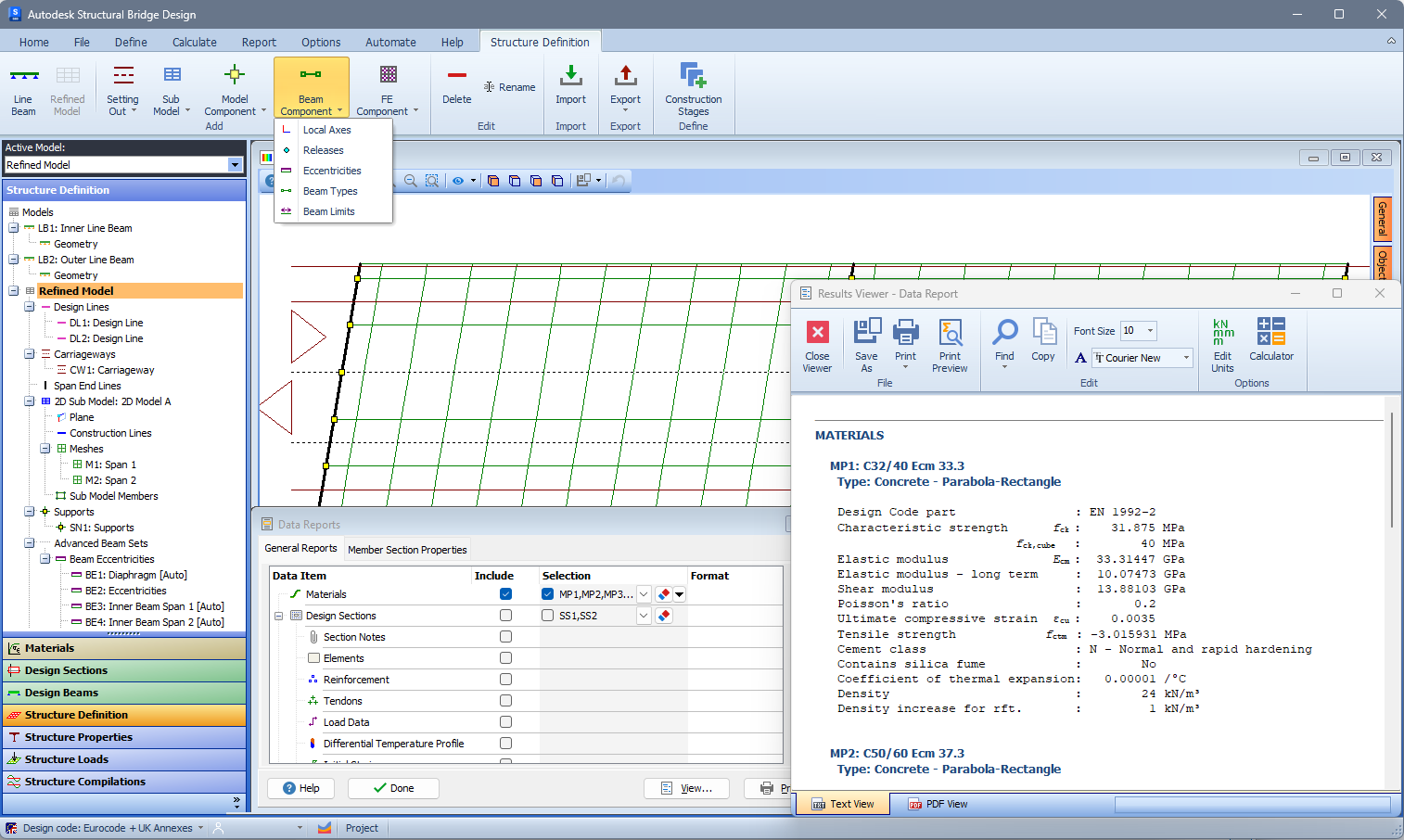
The classic menu is still available and can be restored via Options | Preferences, on the Appearance tab, by selecting the Display classic interface checkbox. The new ribbon menu, which is on by default, is less cluttered and more intuitive. The same new interface is available throughout the software.
If you are familiar with the classic interface, we recommend reading the Ribbon Quick Reference to quickly find where previously familiar items are now located in the new ribbon. For a full description of the ribbon interface, refer to Ribbon Interface.