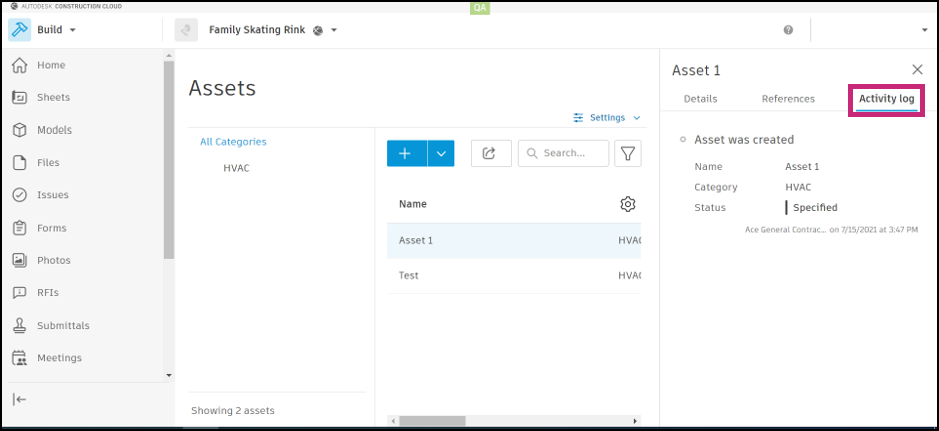
View Asset Activity
The Activity log feature in the Assets tool allows you to see actions that have been taken on an asset in a specific project. Any standard or custom fields that have been modified will be shown.
To open an asset's activity log:
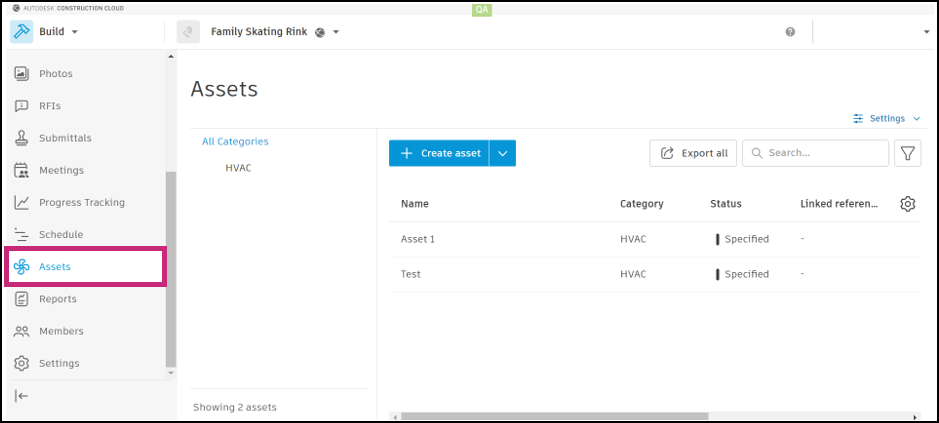
Select Assets in the left navigation to open the Assets tool.
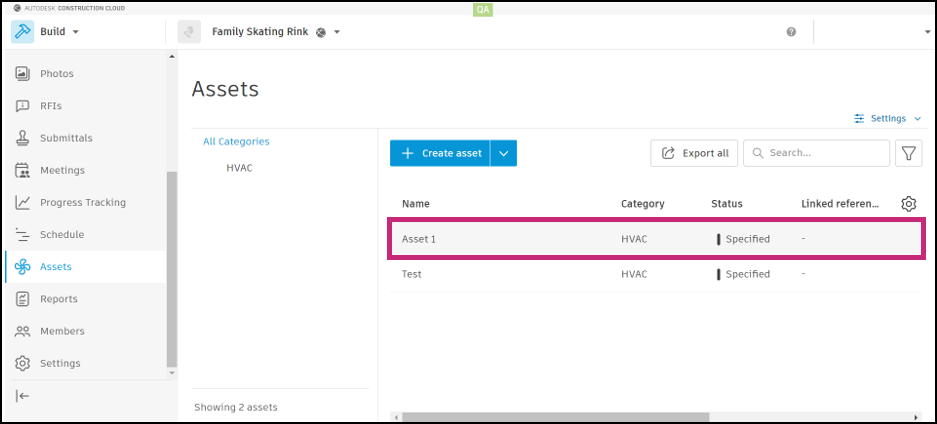
Choose the asset that you would like to view.
Select the Activity log tab.