Import Project Data Again
If your source project changes after the first import, you can import it again to bring in the latest data. Importing again overwrites the data from the previous import.
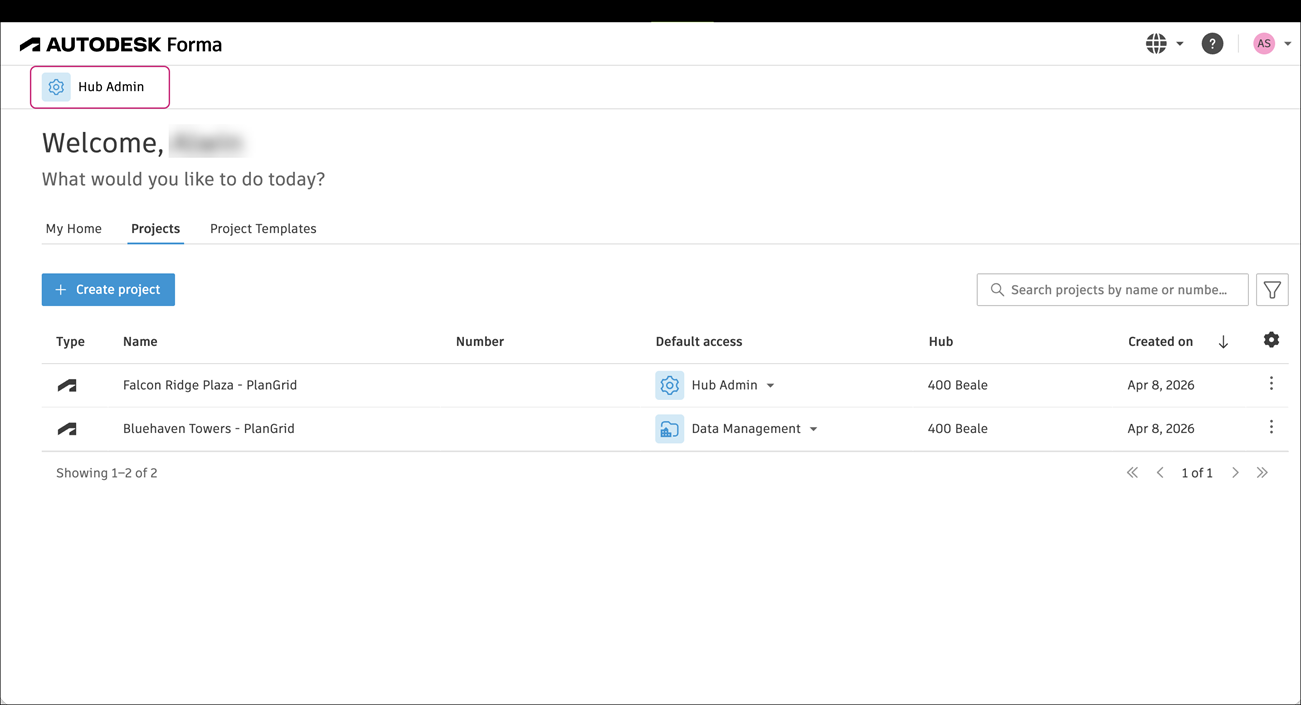
From the project list select Hub Admin
On the left side select Data Transitions.
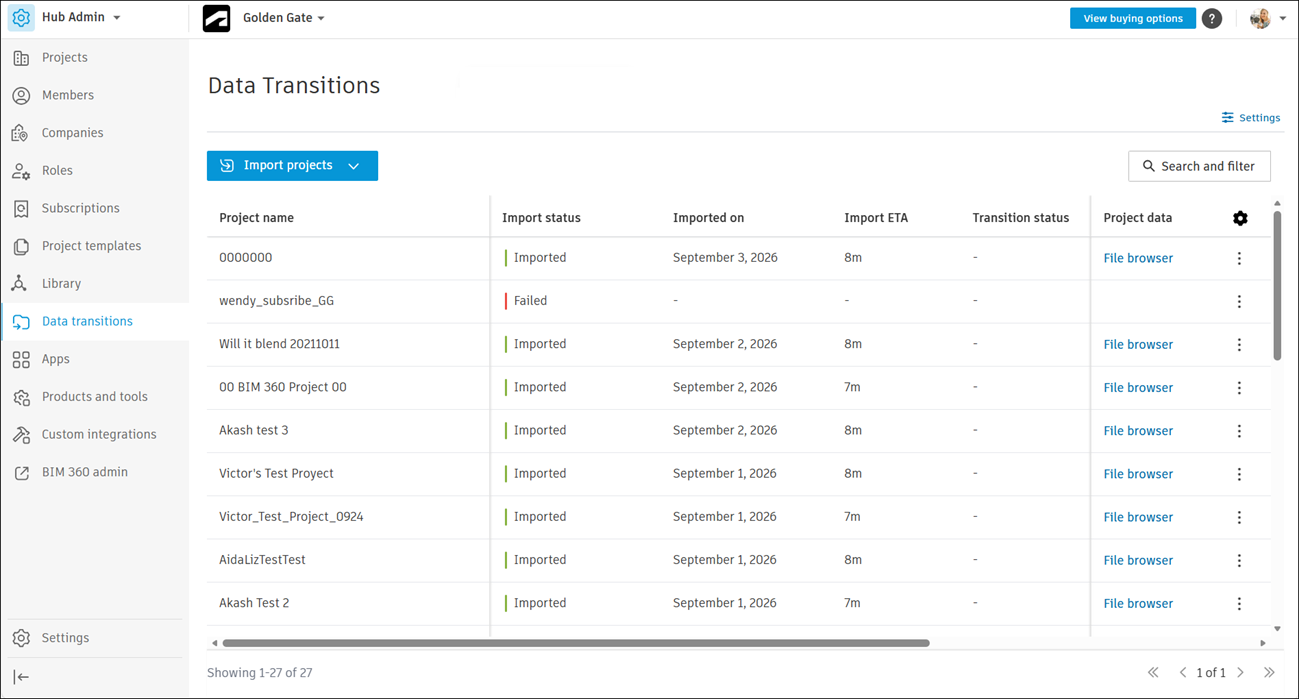
Click the More menu
 on the right of the project you want to import again, then click Import again.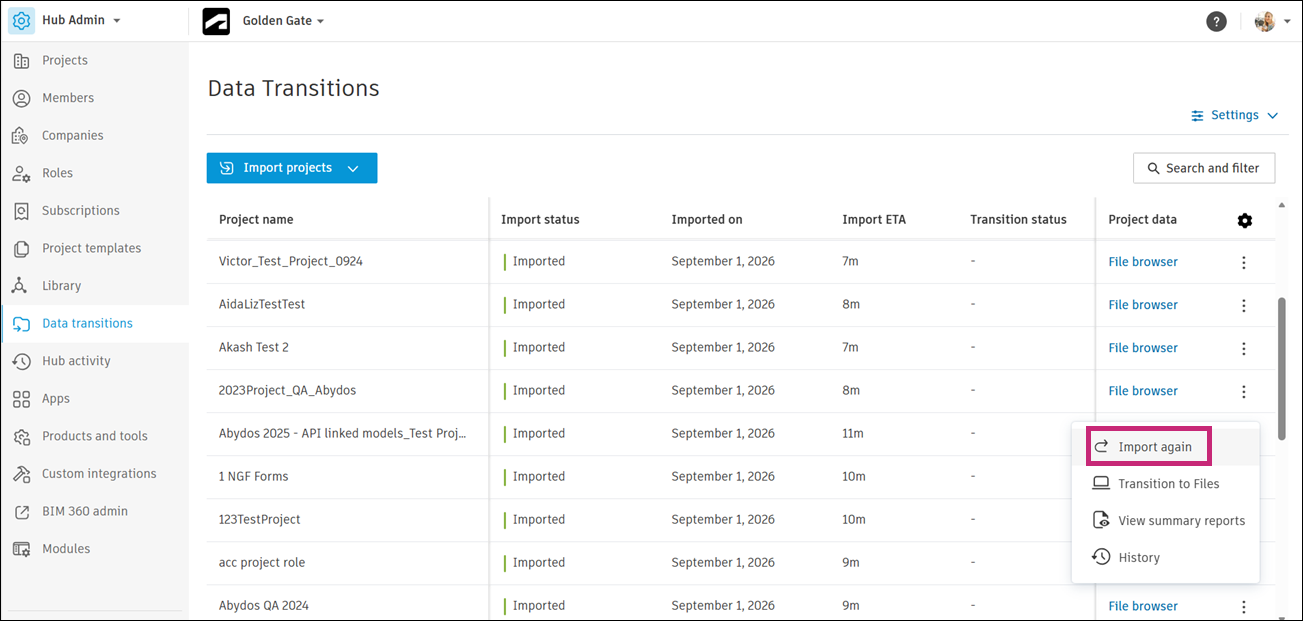
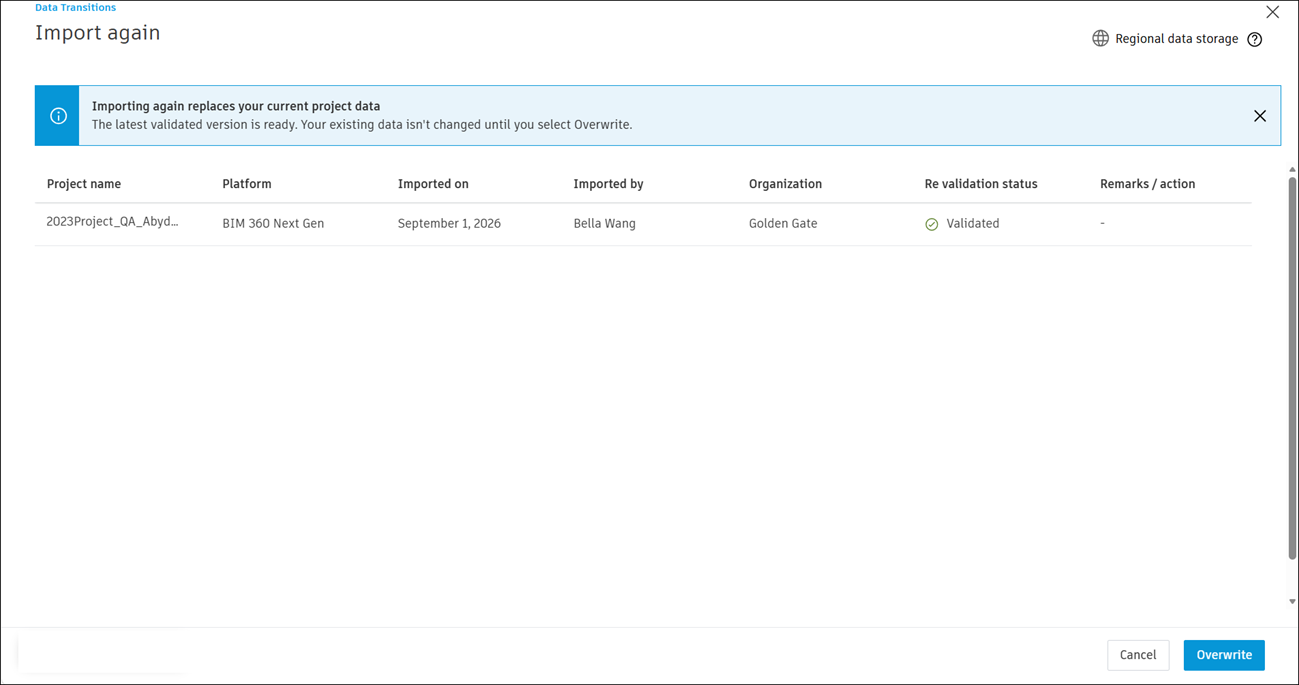
Review information in the banner at the top of the screen, then click Overwrite.
On success, you'll see a screen similar to the following:
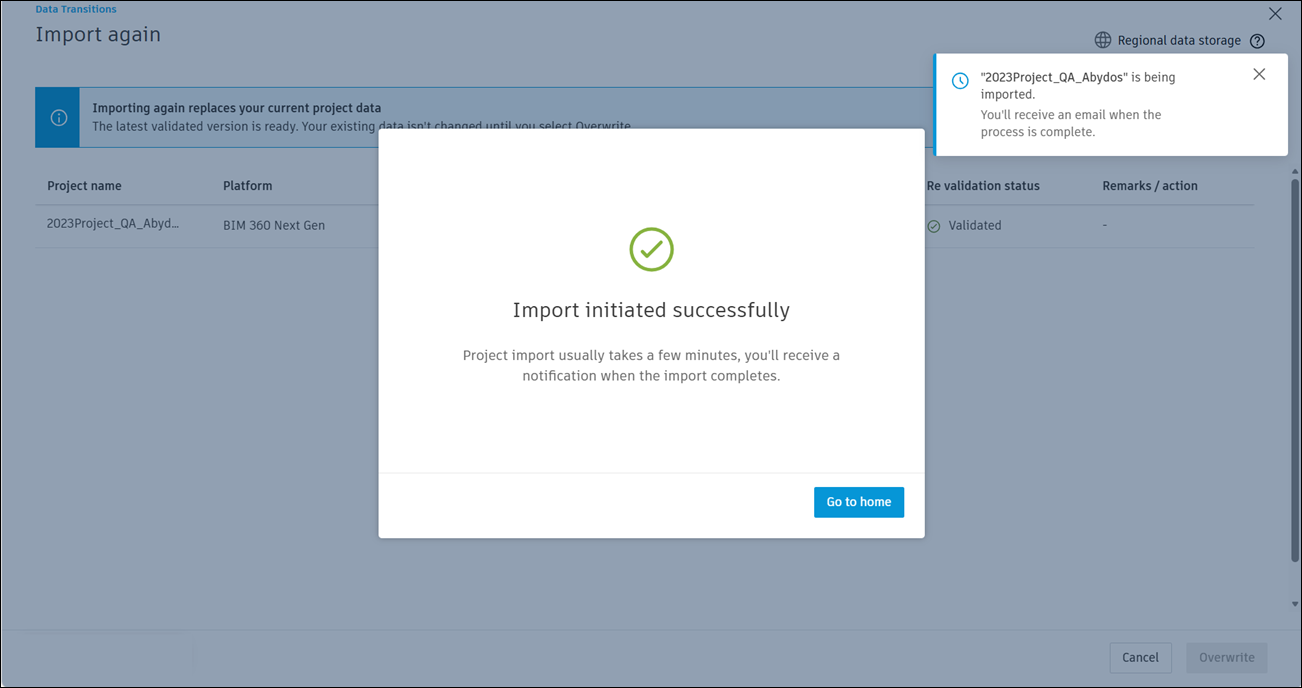
Click Go to home to return to the Data Transitions main page.