Retransition Your Project Data
This topic explains how to retransition your project data to Files using Data Transitions.
You can view the list of your transitioned projects on the main Data Transitions page.
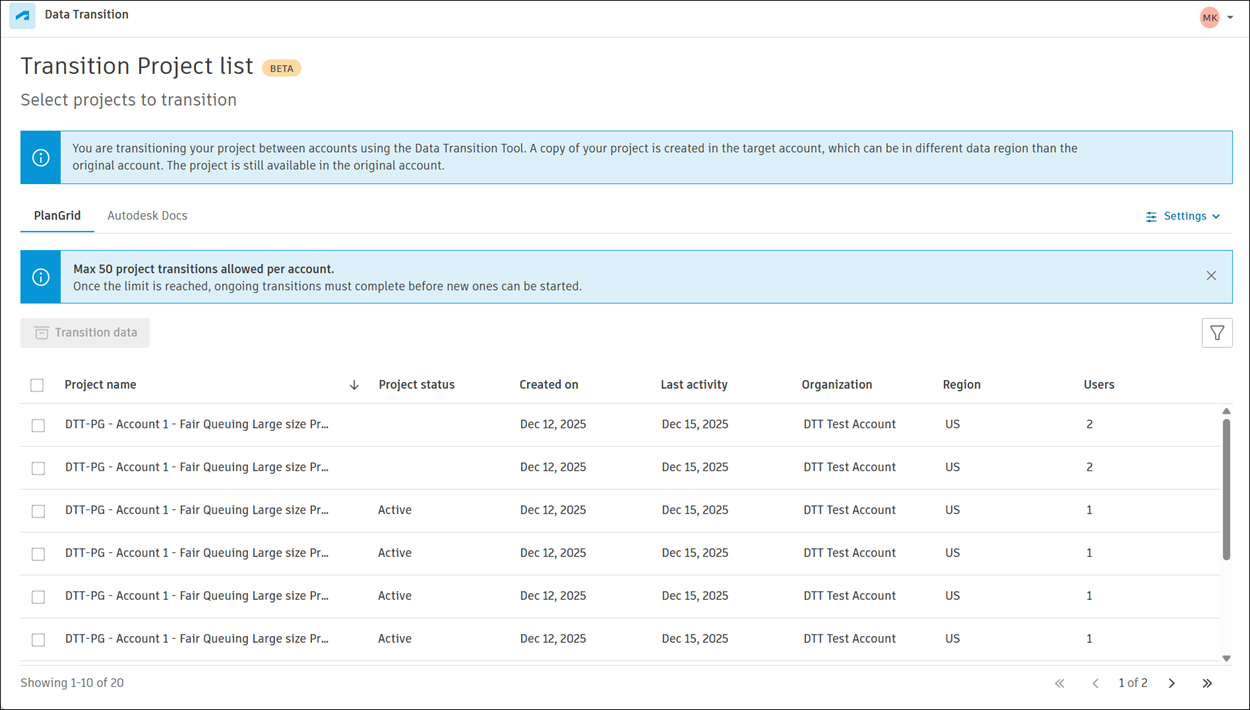
If a transition has failed, you can transition the project again through the More menu  next to the project name.
To retransition your project data:
Navigate to Hub Admin > Data transitions.
Click the More menu
next to the project for which you want to retransition data, then click Transition to Files again.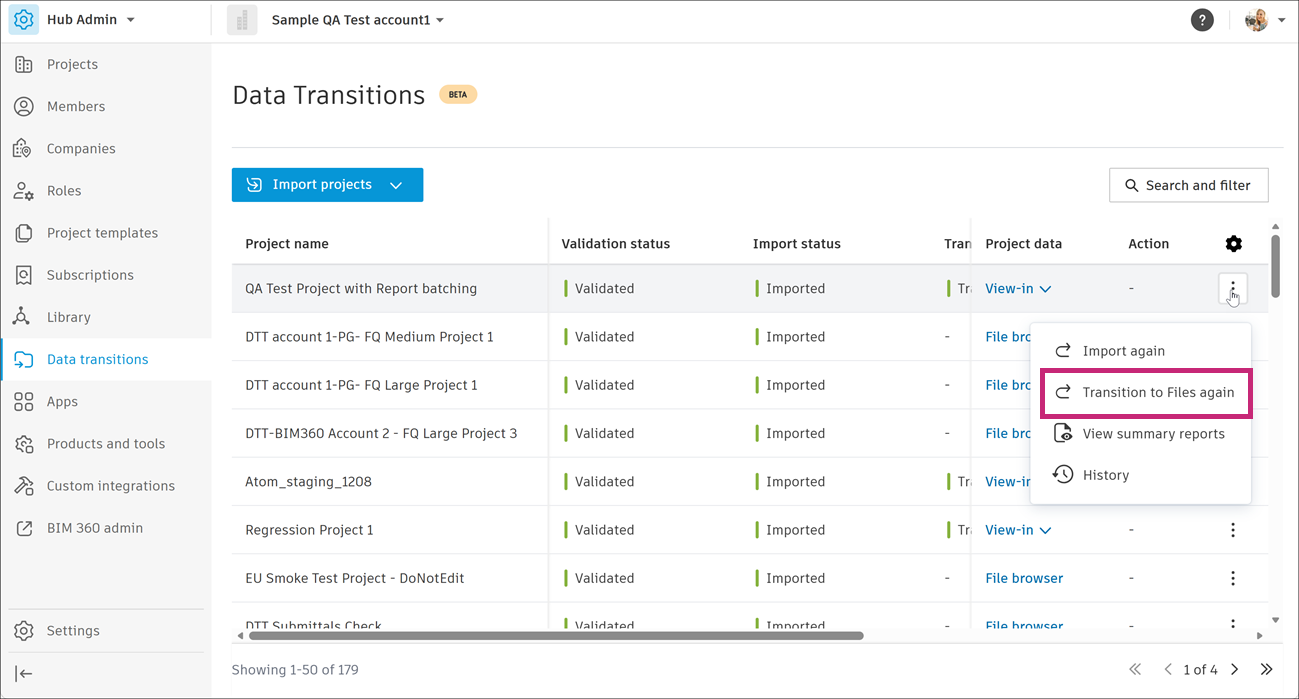
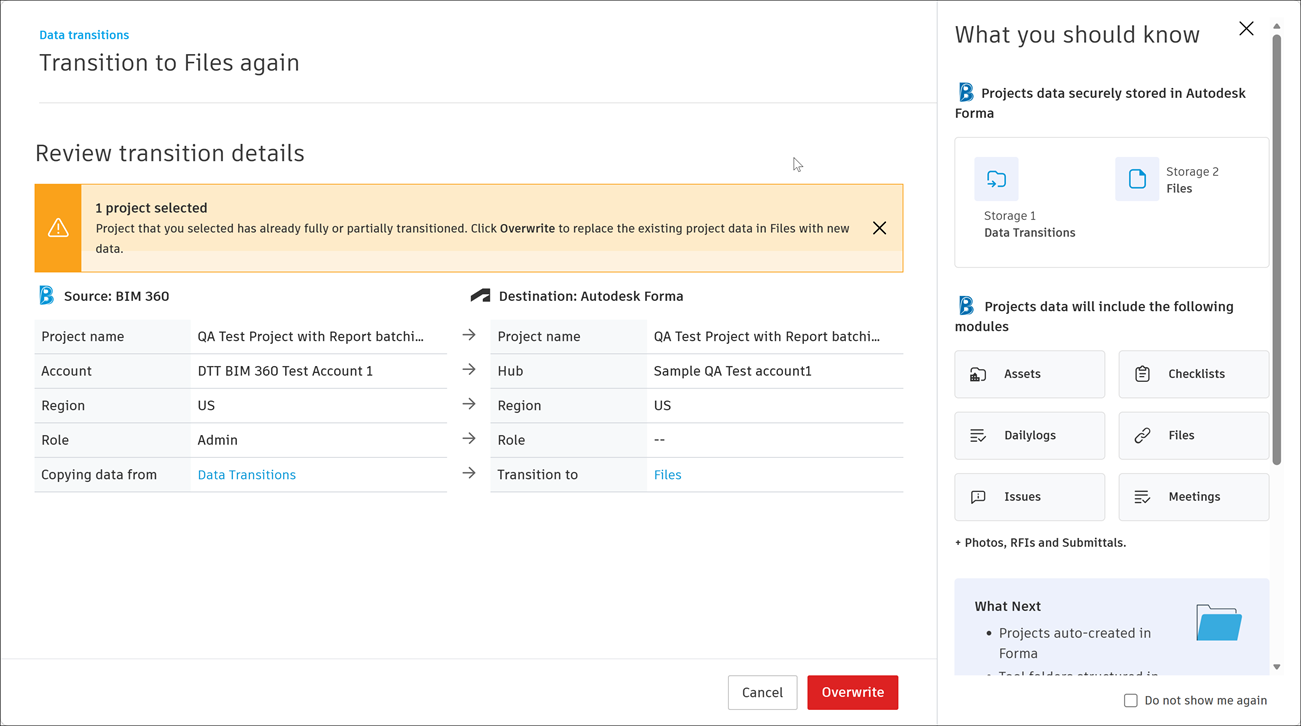
Review transition details. Click Overwrite to replace the existing project data in Files with new data.
Tip: Review information in the What you should know section.