About File Browser
File Browser alows you to view and navigate projects imported into the Data Transitions tool. It shows where Forma Data Management stores the data files imported during a transition.
Use File browser to browse a project's folders, locate summary reports, and download source files.
Access File Browser
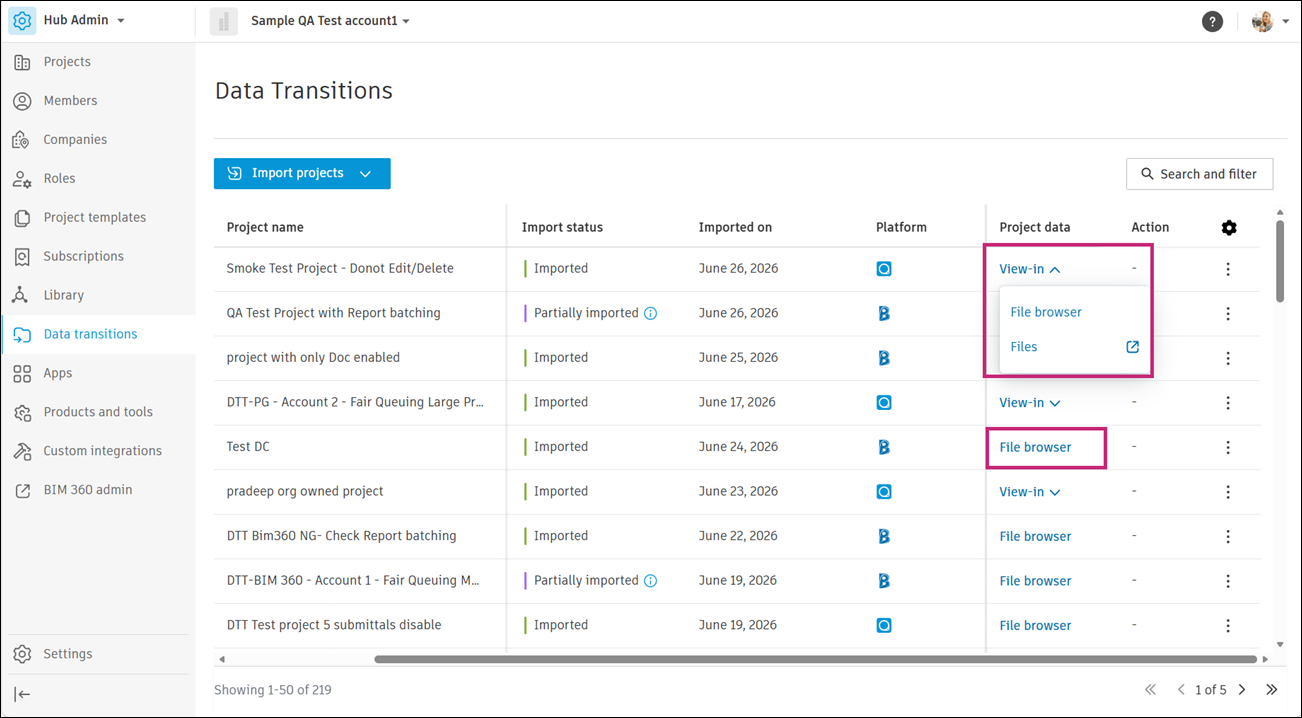
Go to the Project data column and click File browser or View-in > File browser.
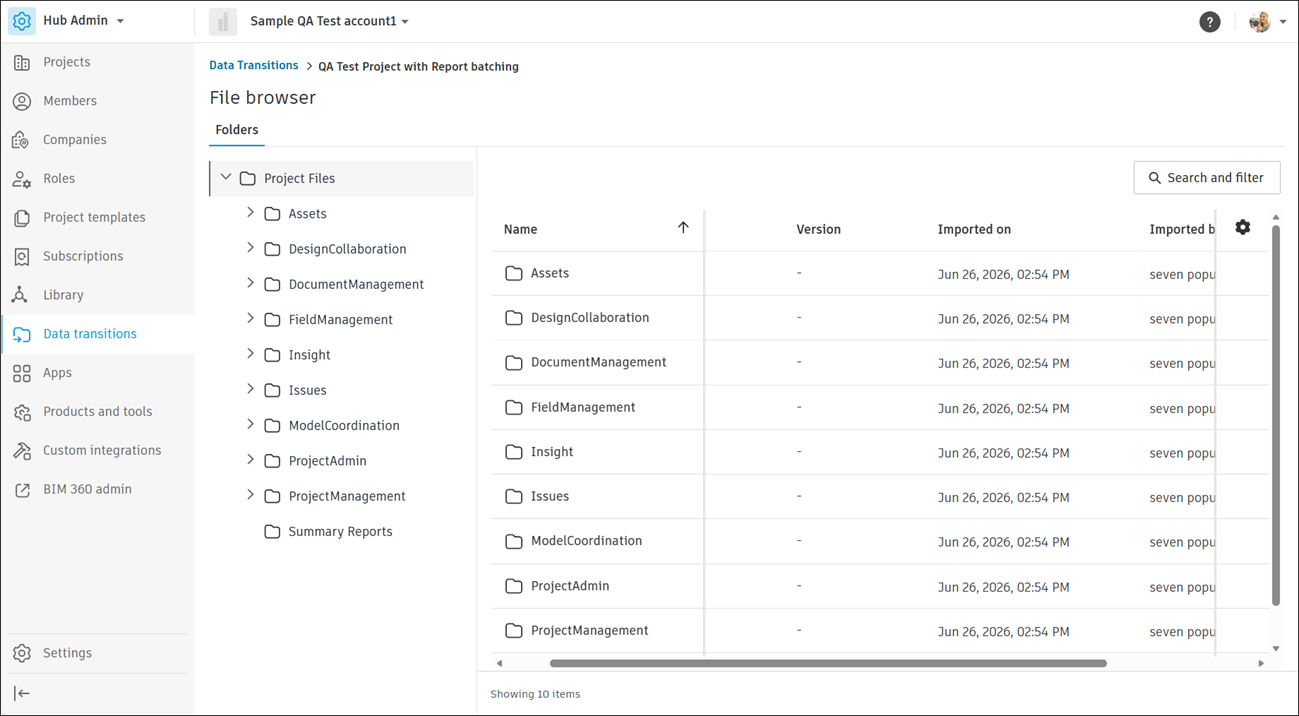
File browser opens with a navigation tree of the project's folders. Select a folder to view its files and details, such as size, version, and import date.
Download Summary Reports
Click Summary Reports in the File browser navigation tree.
Click the More menu
 , then click Download source file.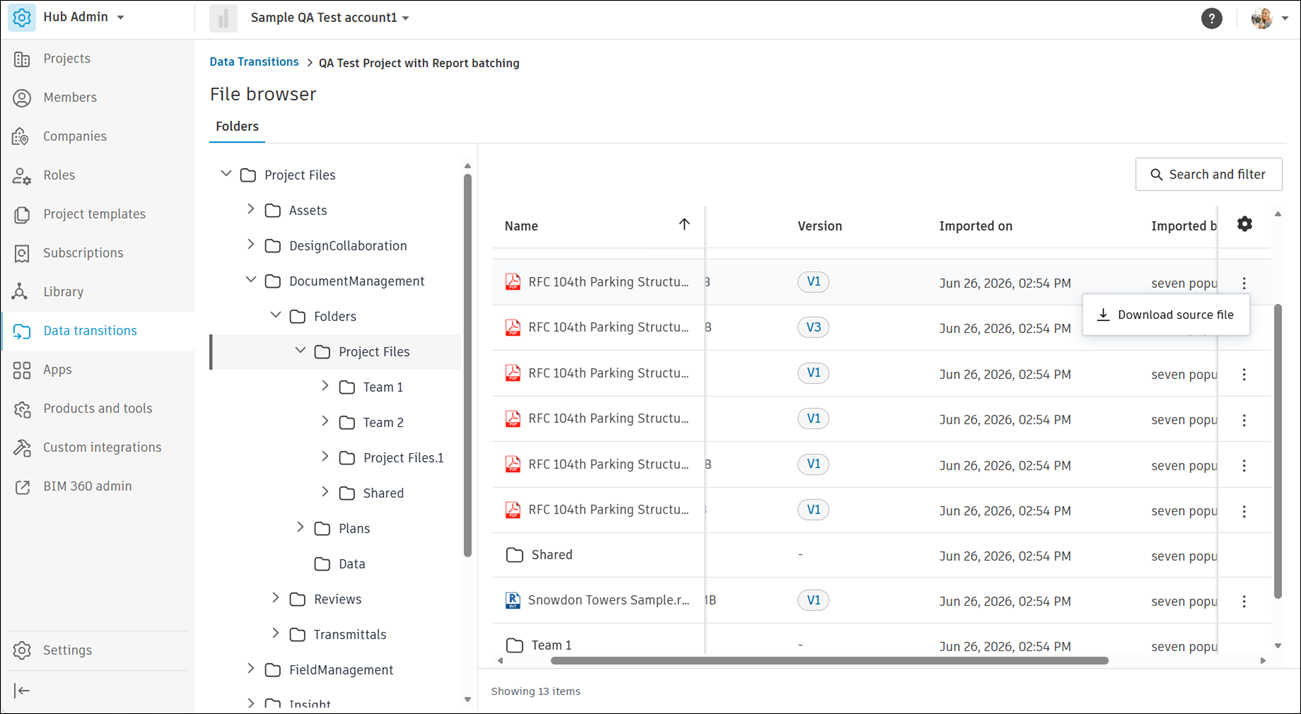
See Work with Summary Reports for more information.