Power BI Templates
You can browse and download Power BI templates from the templates gallery in Data Connector. You need project administrator permissions or executive overview access.
Select Insight from the product picker.
Click
 at the bottom of the left panel.
Click the
 tab at the upper left of the page.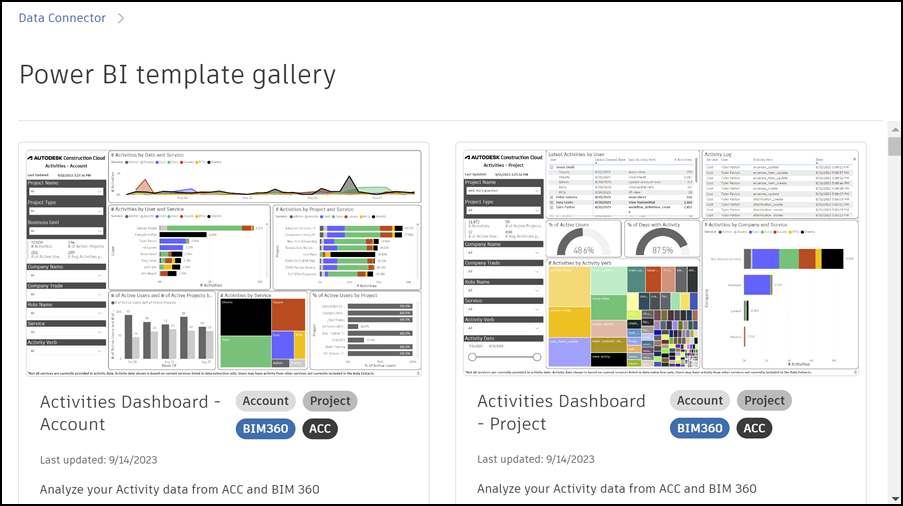
You can now scroll through the gallery and select one or more templates to download.
The templates will download to your local downloads folder. Click a downloaded template to open it in Power BI desktop.
Review the following topics for more information about each template:
- Activities Dashboard
- Administration Dashboard
- Assets Dashboard
- BIM 360 Issues Dashboard
- Checklists Dashboard
- Cost Dashboard
- Daily Logs Dashboard
- Estimate Dashboard
- Forms Dashboard
- IQ Dashboard
- Issues Dashboard
- Photos Dashboard
- Quality KPIs (Design and Document Review) Dashboard
- Quality KPIs (Field Quality) Dashboard
- Quality KPIs (Model Coordination) Dashboard
- Quality KPIs (Model Coordination Clash Report) Dashboard
- Reviews Dashboard
- RFI Dashboard
- Schedule Dashboard
- Schedule KPI Dashboard
- Submittals Dashboard Forma
- Submittals Dashboard BIM 360
- Takeoff Dashboard