Electronics drawings
Electronics drawings are part of the manufacturing dataset, used by technicians and engineers to diagnose boards and verify proper construction. In a volume production scenario, they are generated for all designs irrespective of layer count.
The following image shows (1) the electronics drawing browser node structure and (2) electronics drawings and related views and tables supported across multiple drawing sheets.
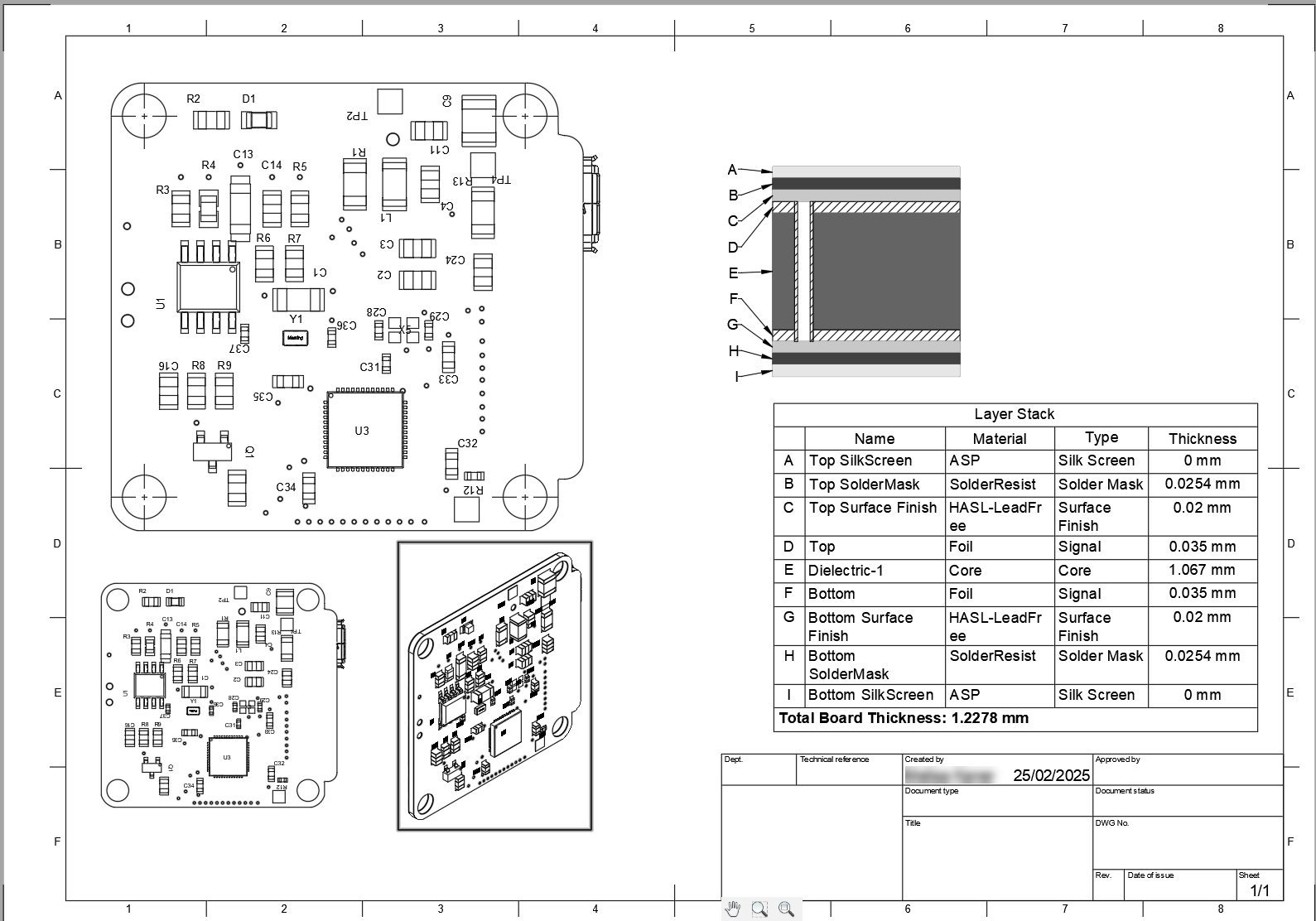
Electronics views and tables
Use the Electronics toolbar in the Drawing workspace to add views and tables that document the PCB:
- Layer stack views show the physical structure of the PCB, including each layer and the via pairs that connect them. For more information, see Layer stack views.
- Copper views show the routing on a single copper layer of the PCB. For more information, see Copper views.
- Drill views and drill tables show the drill and hole locations on the PCB and list each drill size. For more information, see Drill views.
Silkscreen
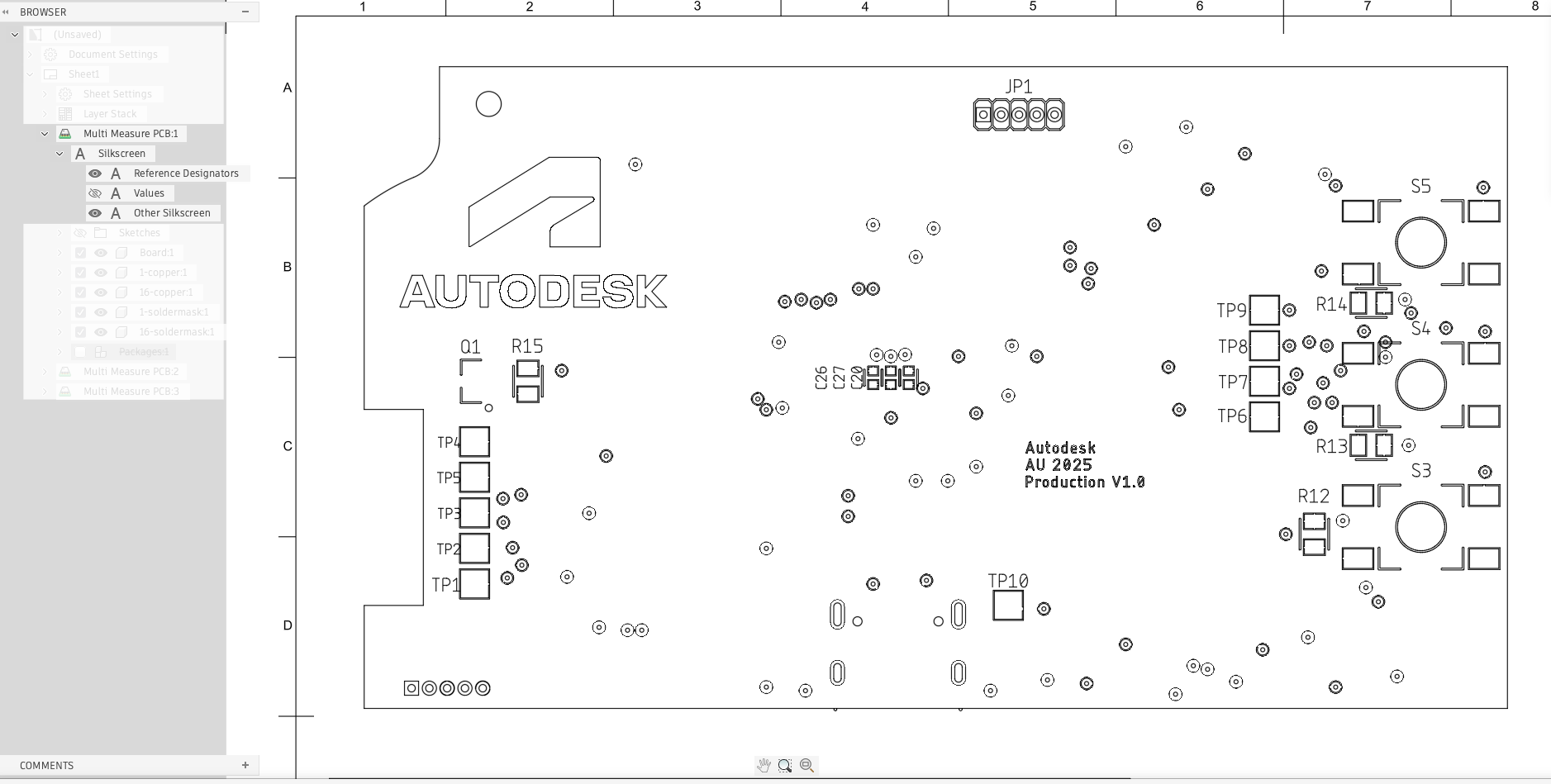
In the Browser, you can view silkscreen objects such as logos, symbols, values, and reference designators. Select the silkscreen or documentation layers from the 2D PCB layer set selection to include or exclude them during electronics drawing creation.
 next to the corresponding Browser node to show or hide them on the sheet.
TopSilkscreen and BottomSilkscreen editable layer sets to control their visibility in the Model Views in Drawings,- When added to these editable layer sets,
NamesTopandNamesBottomwill appear on the Reference Designator node in the Drawings Browser. ValuesTopandValuesBottomwill appear on the Values node.- All other layers in the silkscreen layer sets will appear on the Other Silkscreen node.
 |
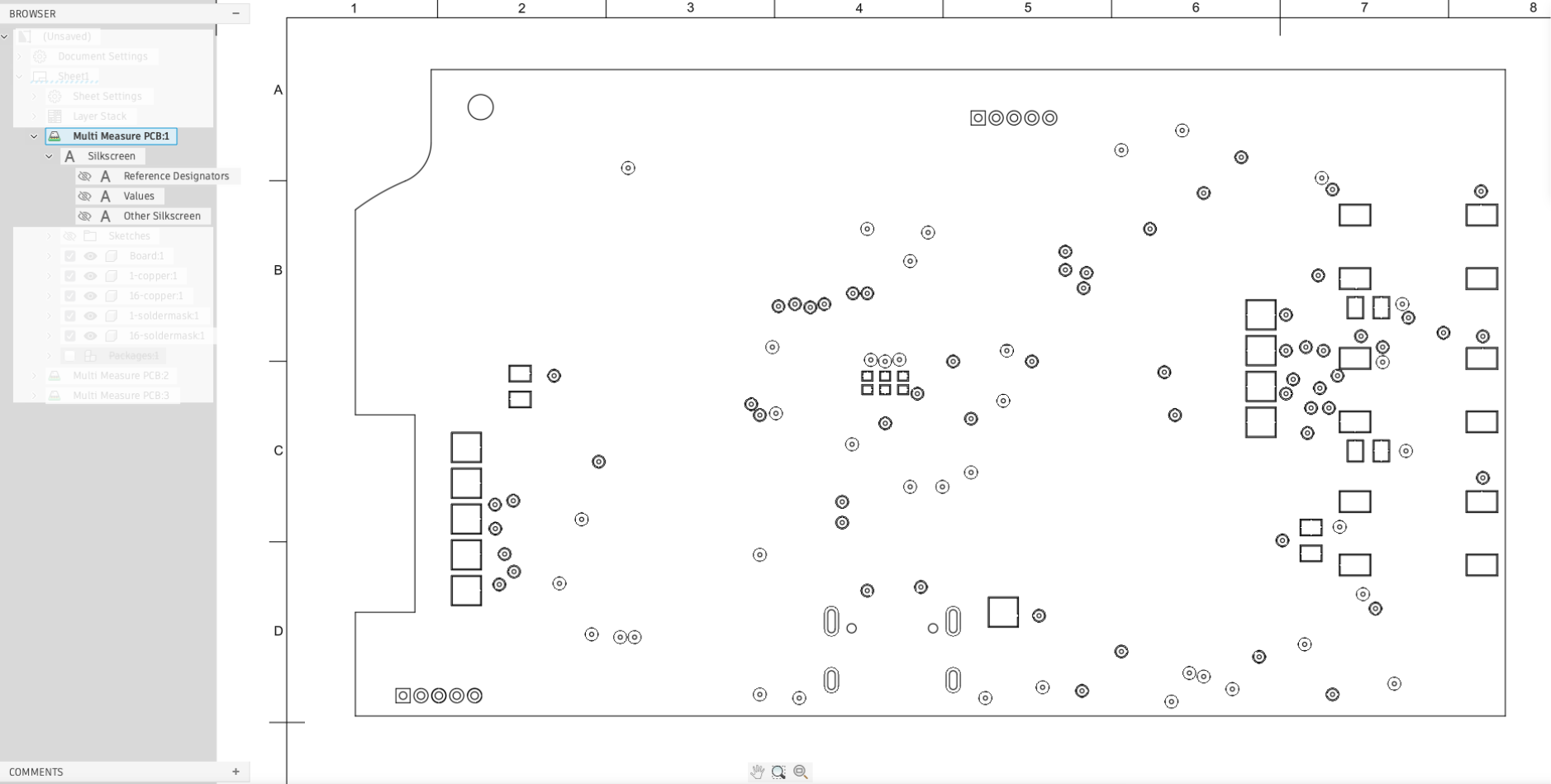 |
| Reference designators and other silkscreen objects visible | All silkscreen objects hidden |