Edit objects in the Browser
Some Browser nodes (Schematic Sheet nodes, Module instances, and Custom Named Views) can be renamed directly in the Browser.
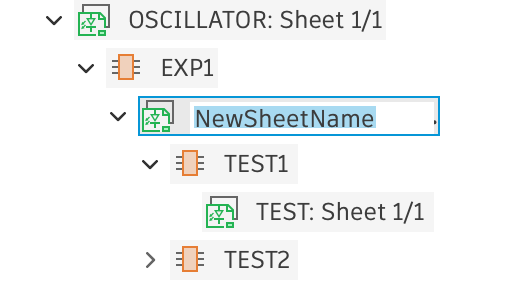
In-place text editing
- Select a Sheet or Module instance node in the Browser.
- Click the node text again to enter edit-in-place mode.
- Type a new value and press Return to apply it.
Editing via context menu
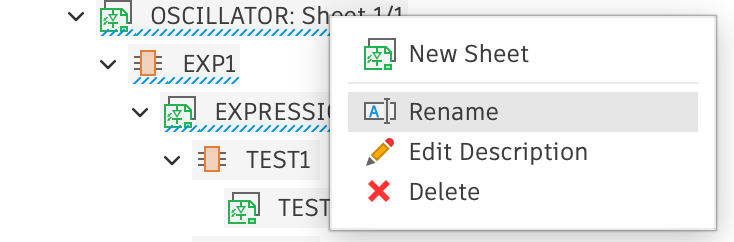
- Right-click a node that can be renamed to open the context menu.
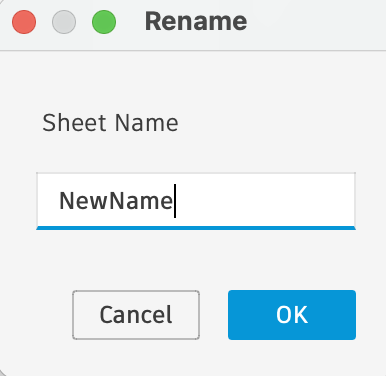
- Choose Rename to open a dialog where you can enter a new name.
- Enter a new name and click OK.