Create a sketch on a 3D PCB
Use this feature to reference 3D geometry from a mechanical design into the 3D PCB document.
On the 3D PCB toolbar, click Create PCB Sketch
 .
.In the canvas, click either the top or bottom layer.
The sketch is added to the board node in the browser.
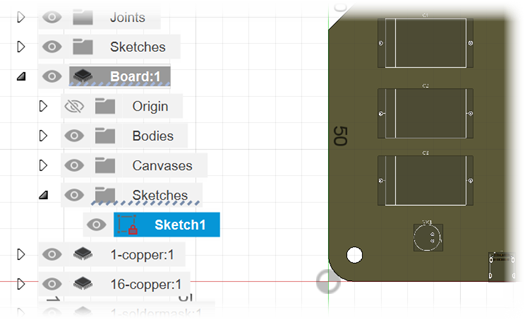
Right-click the sketch browser node to do tasks such as:
- Edit the sketch. You can also use double-click to edit it.
- Delete the sketch.
Note: The 3D PCB sketch only uses construction geometry.Use the sketch tools to create geometry, insert content, and so on.
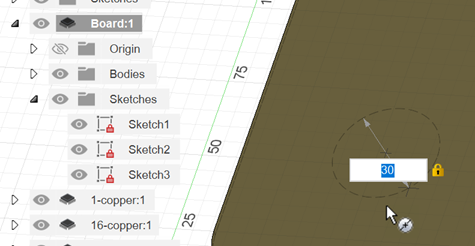
When done creating or editing, click Finish Sketch.