PCB Sketches
A PCB Sketch is similar to a sketch in the Design workspace, however has a limited set of capabilities relevant to integrating PCBs in mechanical assemblies.
In the 3D PCB, you can:
- Edit the Outline sketch.
- Create a PCB Sketch and draw construction lines.
- Control sketch visibility from the browser node.
- Use Push to 2D PCB
 to reference the construction geometry in the 2D PCB for layout purposes.
In the 2D PCB, you can:
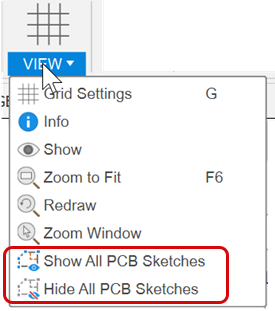
Control sketch visibility from the View menu.
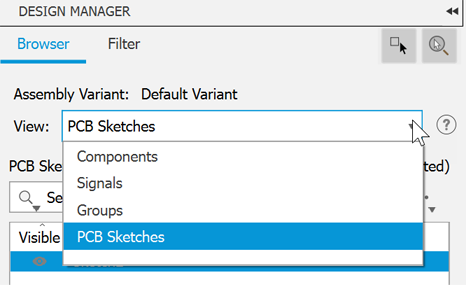
Use the Design Manager to locate sketches.
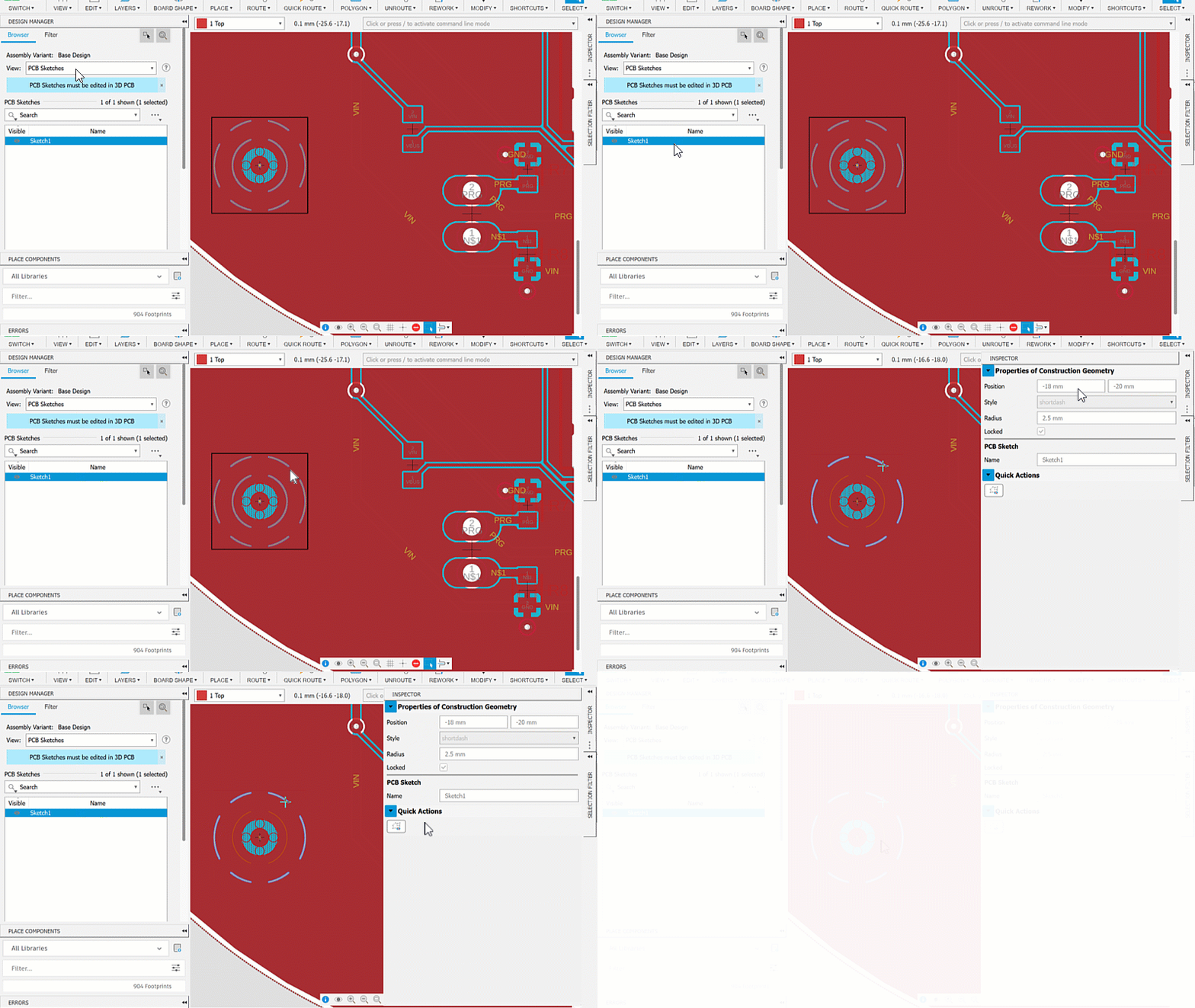
Use the Inspector to view the properties of sketch elements.
Tips
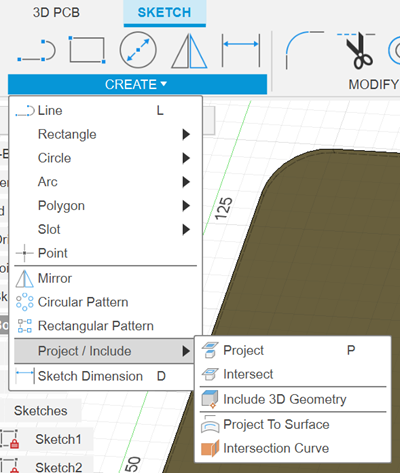
Use the Project (P) tool to reference 3D model geometry into the sketch.
If working in a mechanical design, and creating a PCB board outline using model references, use normal sketch geometry.