Create a group
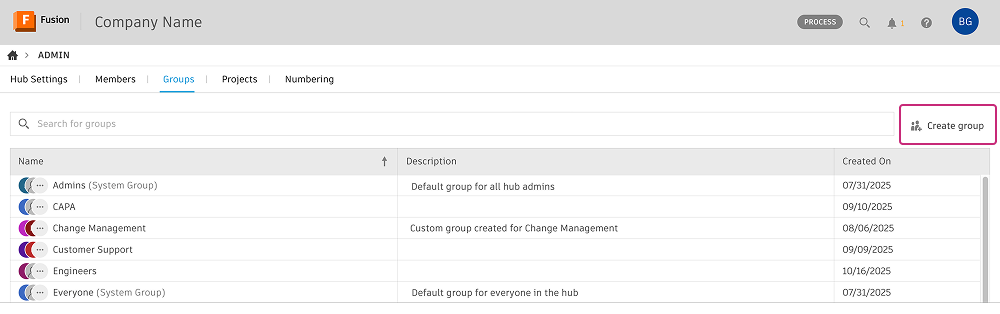
Hub admins can create members groups in the Groups page.
On the Groups page, click Create group.
Enter a Group name and Group description.
In the Add or invite group members field, add members to your group:
- Type a member's name into the field and select from the auto-generated list. Hub members are recognized as you type.
- To add people from outside the hub, enter their email addresses separated by commas. They'll receive an invitation to join the hub.
Click Create group.
The new group appears in the list in alphabetical order. You can also use it to manage access to projects at the folder level.