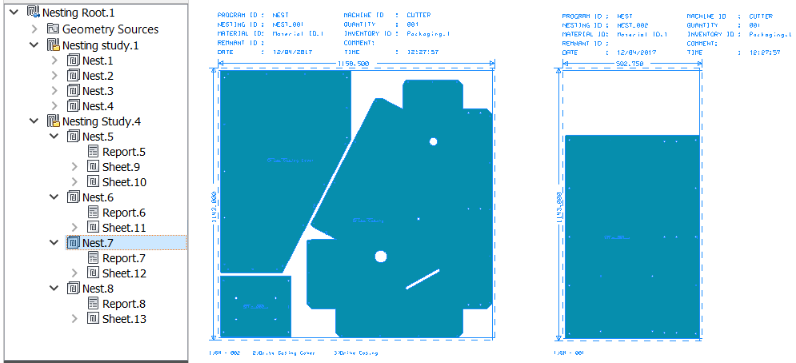
By default, after you create and calculate a nest,
Inventor Nesting automatically saves the results for you so you can see the nest in the application window. However, you can disable this setting in the Display tab of the Options dialog box so that you can save the results manually. If you have done this, a Ready To Save icon ( ) indicates that a nest has yet be saved, both in the
Inventor Nesting browser and the Calculate Nest panel.
) indicates that a nest has yet be saved, both in the
Inventor Nesting browser and the Calculate Nest panel.
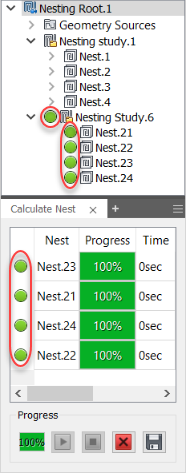
Tip: If the Ready To Save icons are not present, or values in the Progress column in the Calculate Nest panel are not at 100%, your nests might have not been calculated. You must calculate nests before they can be saved. See
Working with Nest Calculation.
Save Nests
Do one of the following.
- Right-click a nest in the Inventor Nesting browser or the Calculate Nest panel and select Save.
- Click Save All
 at the bottom of the Calculate Nest panel to calculate all nests.
Nest sheet and report nodes are created in the browser, and the nests are now visible in the application window.