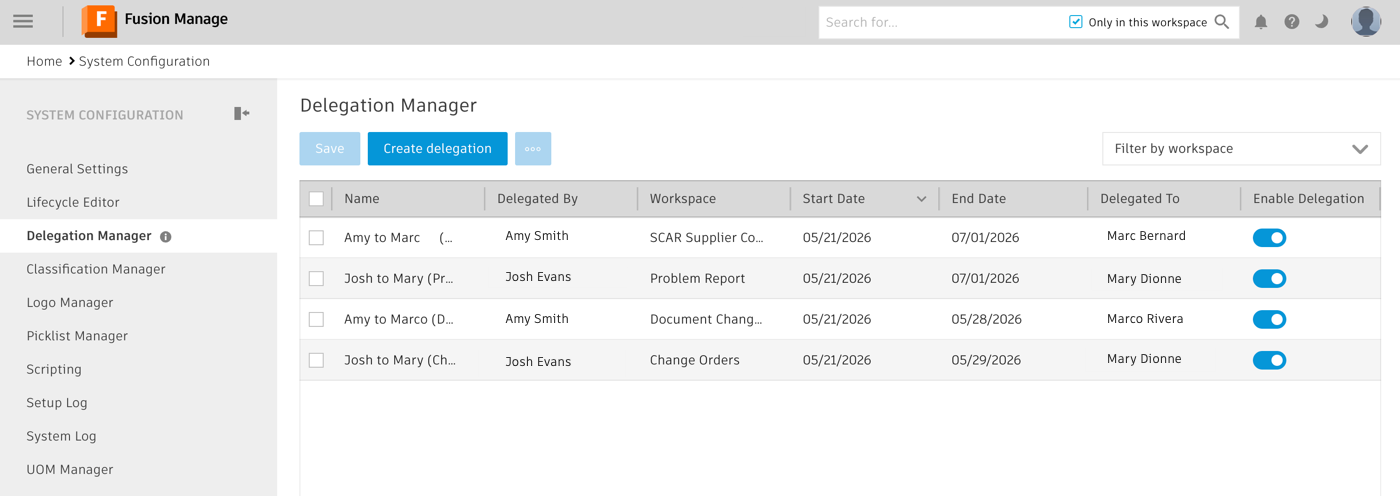
Delegation Manager
Delegations help prevent workflow bottlenecks by temporarily assigning a user’s outstanding work in a workspace to another user. This ensures work can continue when a user is unavailable.Users can manage their own delegations through My Delegations. Administrators can use the Delegation Manager to create and manage delegations for other users.
Note: Administrators can also use the Delegation Manager to create and manage their own delegations instead of using My Delegations.
To open the Delegation Manager:
- From the main menu, go to Administration > System Configuration.
- In the left-side panel, click Delegation Manager.