To Apply Loads
- On the ribbon, click the Loads tab and select a load to apply.
A dialog dedicated to a selected load opens.
- In the dialog, select an active load case.
- Specify parameters of the selected load.
- Under Assignment, apply the load to model elements using the Direct or Selection assignment mode.
To Delete a Load
- In the drawing area, display symbols of a selected load on the model.
Tip: To display symbols of the load for the active load case, on the status bar, click
 .
.
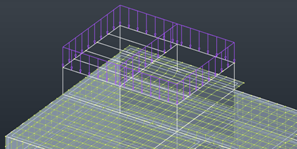
- Position the cursor on the symbol of the load to delete.
The load symbol is highlighted.
- Right-click the symbol and from the context menu, select Delete.