Preview media in the RV Session Manager
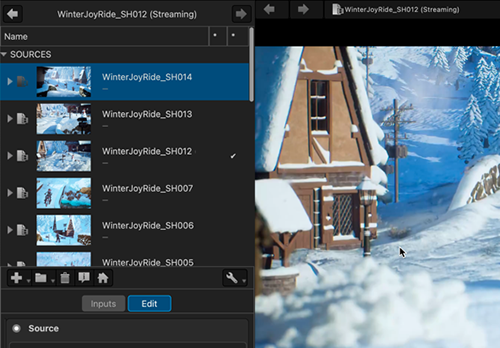
The RV Session Manager now shows a preview next to each media entry. Available in both the Sources and Inputs sections, it lets you identify the shot you want without opening it first.
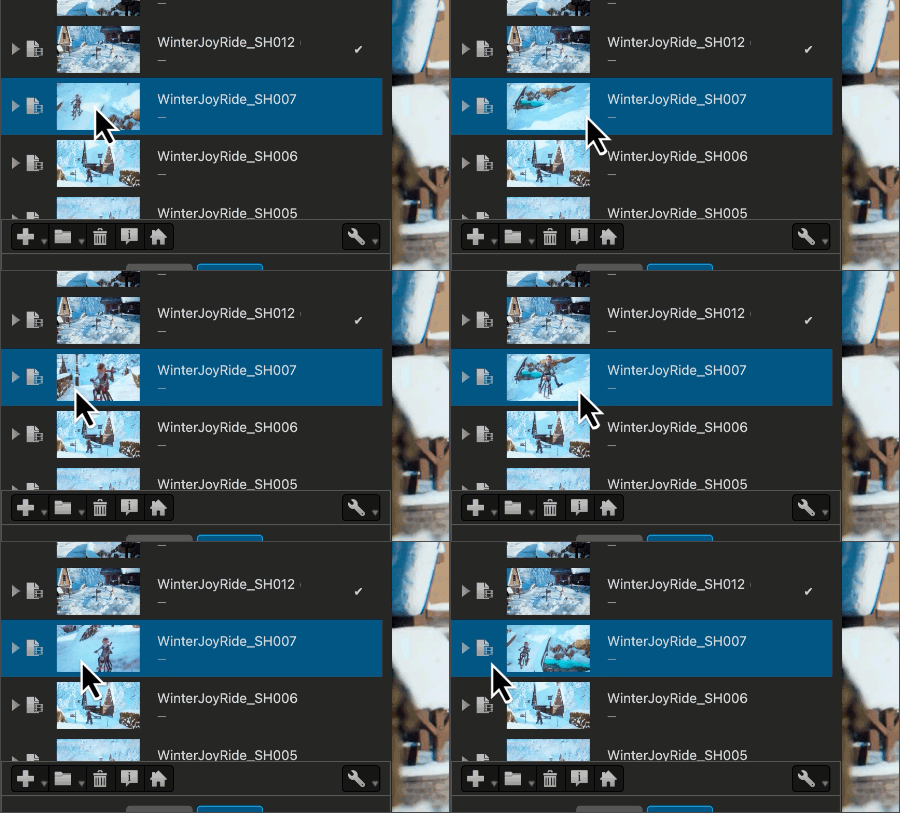
Scrub to preview: Hover over a thumbnail and move the pointer across it to scrub through the footage and preview the media before you select it.
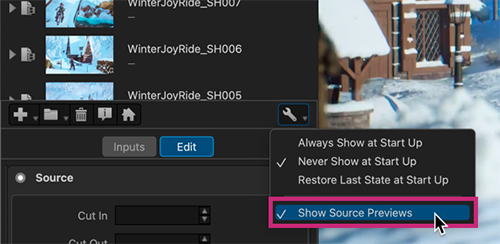
Turn the preview on or off by selecting Configure > Show Source Previews.
Documentation
To learn more about the Session Manager, see the OpenRV documentation Session and the Session Manager.
To learn more about RV, see Welcome to RV.
Release Information
Version:
RV 2026.0
Release Date:
July 2026