
Issue:
Is it possible to copy objects from one drawing to another in AutoCAD Web and Mobile App?
Solution:
AutoCAD Web App 11.6.0 version or later
- Select the object you wish to copy
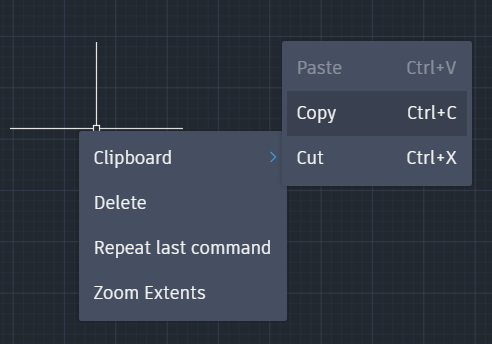
- Right click and select Clipboard -> Copy or Press Ctrl+C
- Proceed to the desired Drawing on another tab
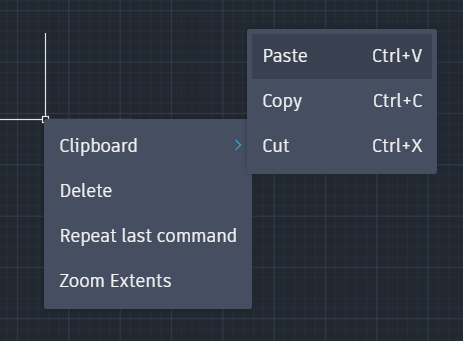
- Right click and select Clipboard -> Paste or Press Ctrl+V
Note: This feature is currently unavailable for AutoCAD Mobile App