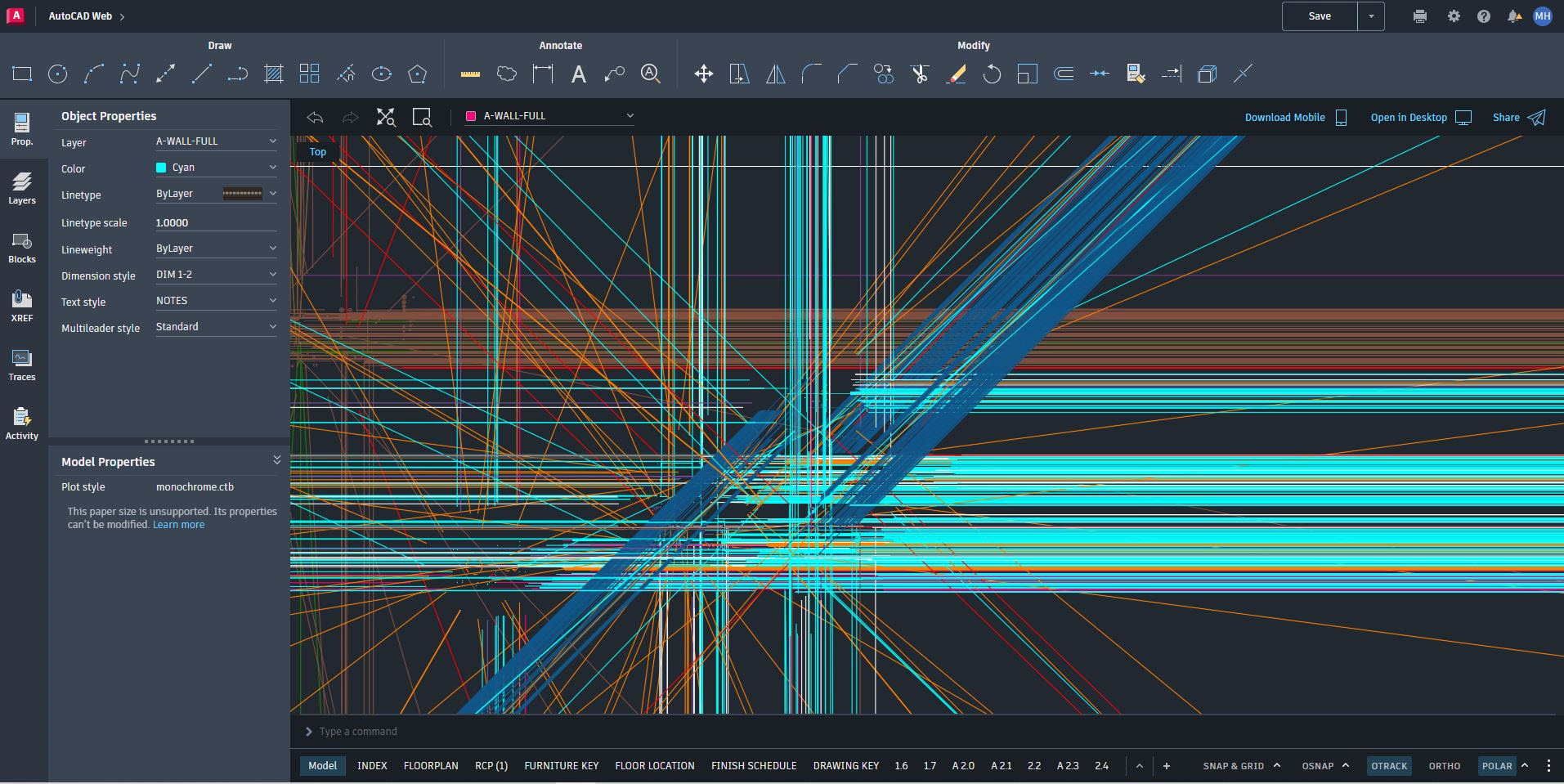
Issue:
When viewing certain drawings in the AutoCAD Web App, random or displaced lines appear in the drawing space. Also, the following may occur:
- The lines cannot be selected.
- The lines move and shift when zooming or panning.
- The color of the lines changes when zooming or panning.
Random lines:
Causes:
- Graphics driver needs updating.
- Issue with graphics settings.
Solution:
To resolve the issue, try out the following:
- Update the graphics driver from the manufacturer's website.
- Enable high-performance graphics in your web browser
Products:
AutoCAD for Mac; AutoCAD LT for Mac; AutoCAD Products; Fabrication CADmep; DWG TrueView; AutoCAD web app;