
Use this procedure to delete an infill definition that you no longer need. However, you cannot remove an infill definition that is currently assigned to a cell in the primary grid or any nested grid. Also, you cannot remove the default infill definition, but you can modify it as needed.
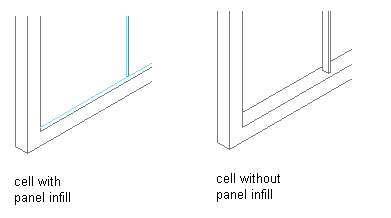
Removing panel infill from a Door/Window Assembly
-
Click

 .
.
- Expand Architectural Objects Door/Window Assembly Styles. Note: Alternatively, select a door/window assembly in the drawing, and click
 .
. - Select a door/window assembly style.
- Click the Design Rules tab.
- In the left pane, select Infills under Element Definitions.
- Select the unneeded infill definition, and click
 (Remove).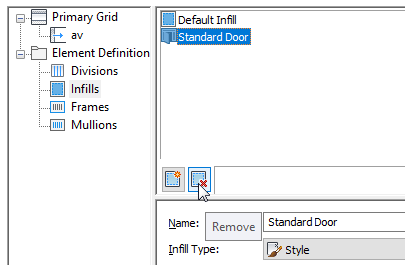
- Click OK.