
- Start Autodesk Inventor Nastran.
- From Open navigate to the C:\Users\Public\Public Documents\Autodesk\Inventor Nastran 2025\Tutorial\en-us\Inventor 2025 folder and open forming assembly.iam.
- Click File, Save As and save the model as NL Forming Assembly.iam. This allows you to reuse the original part.
- Click
.

- Go to
. Set the units to meters and kilograms. They will become the
Default units. Or, double-click
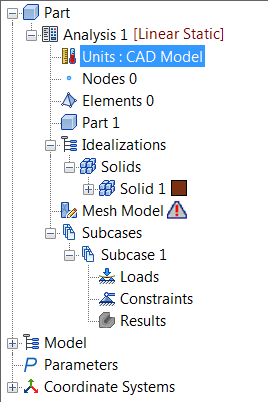
Units in the tree and select a
Unit System with units set to meters and kilograms.
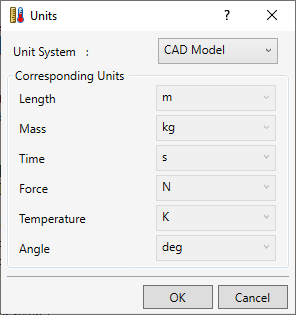
- Click OK.