
v3 API Authorization Tutorial
1. Create an Application
- Sign in to the Autodesk Forge Platform.
- Read the overview of the Forge platform.
- Create an application.
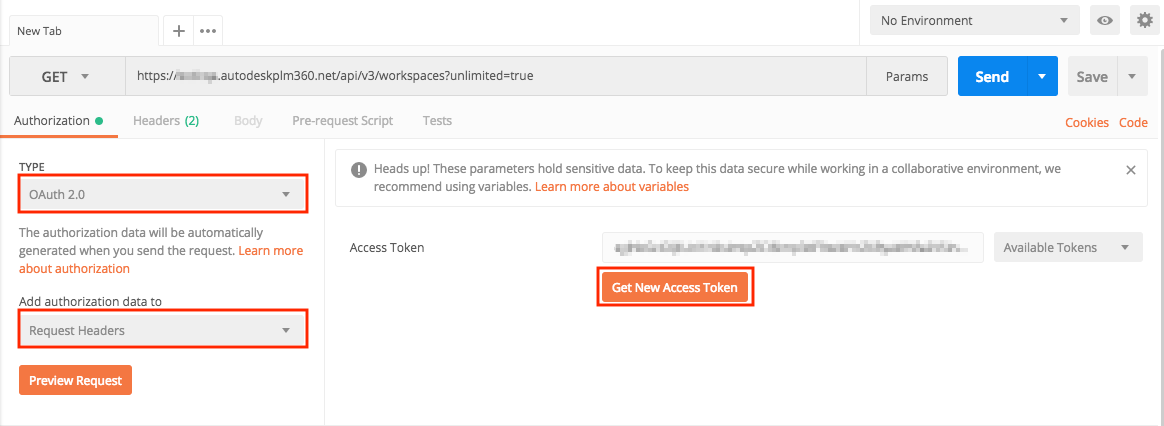
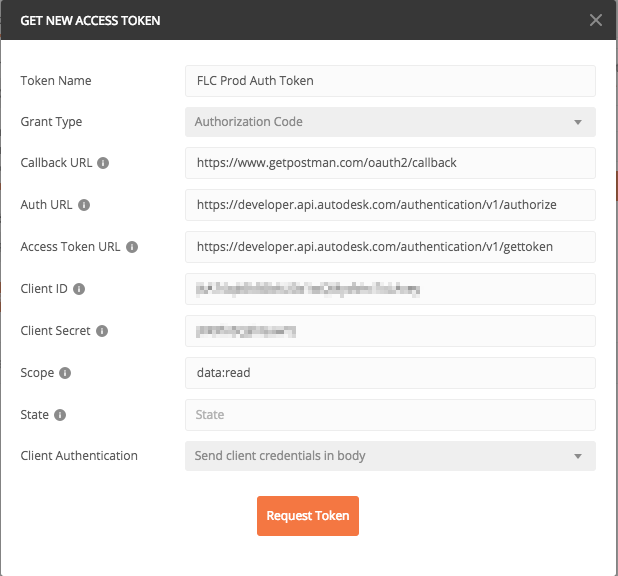
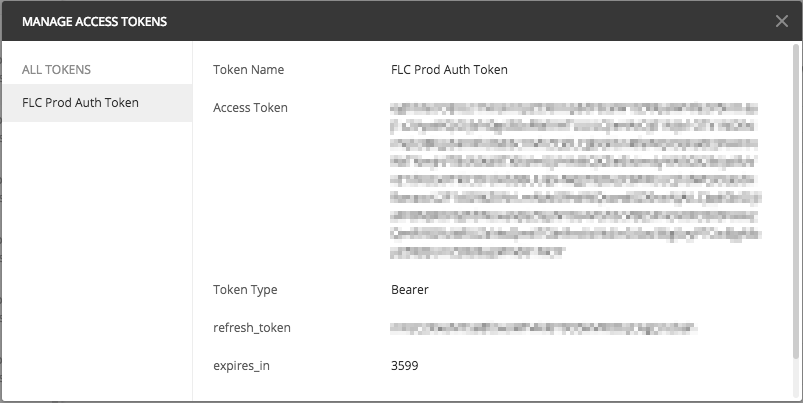
- Request a 3-legged token with Grant Type set to Authorization Code.
2. Call the Fusion Lifecycle REST v3 API Endpoints
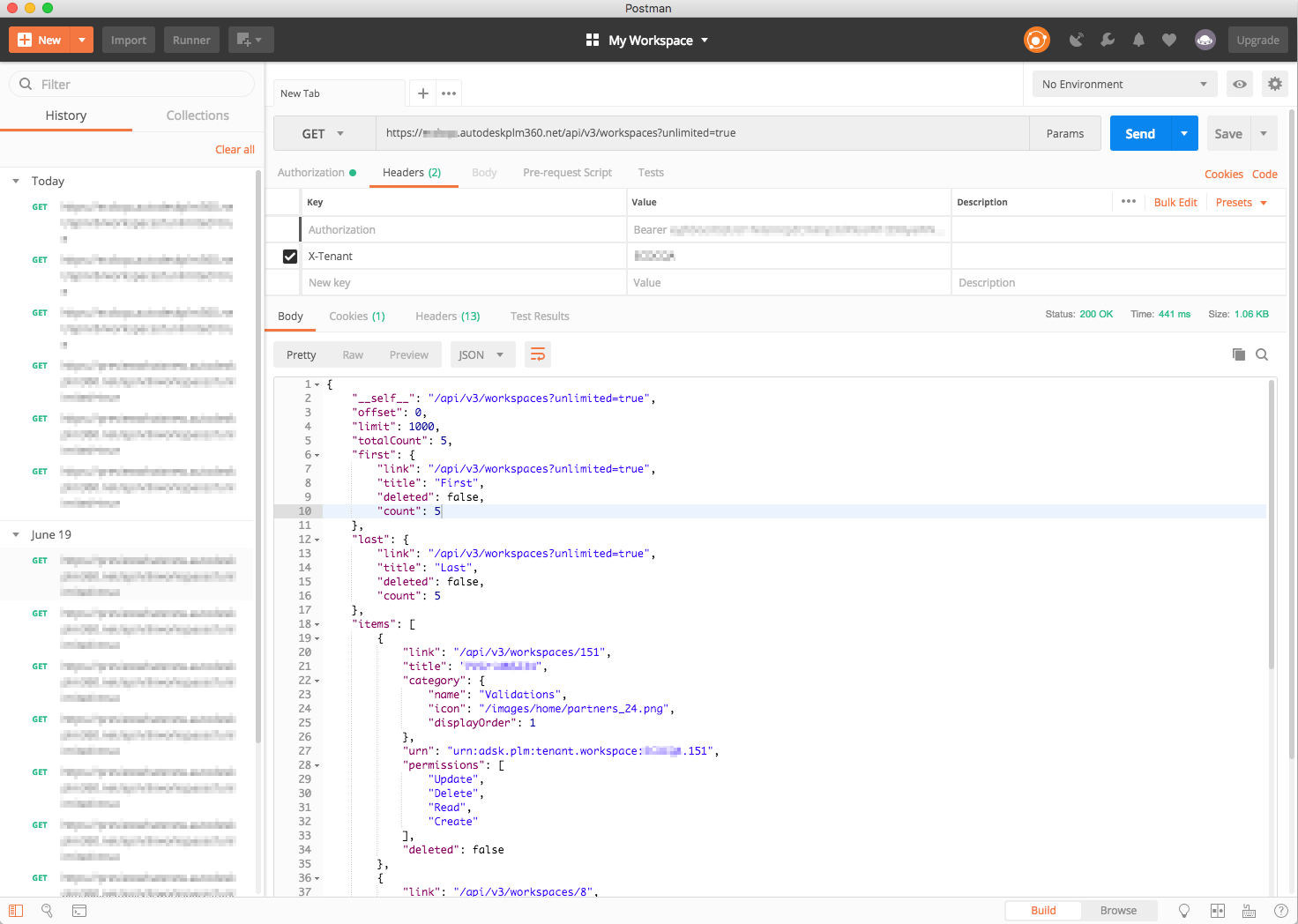
When performing a request, add:
- the Authentication token, in the format “Bearer <your_token_here>”
- the X-Tenant value (should match the tenant name)
- the “Accept” header value, if applicable
cURL Example
curl -X GET -H "Authorization: Bearer [your access token]" -H "x-tenant: [your tenant name]" -H "Accept: application/json" -H "Content-Type: application/json" " https://[tenant name].autodeskplm360.net/api/v3/workspaces?unlimited=true