
Learn about new or changed features in this release of AutoCAD. For technical details, see the release notes.
2027.1 Highlights

- General Enhancements
-
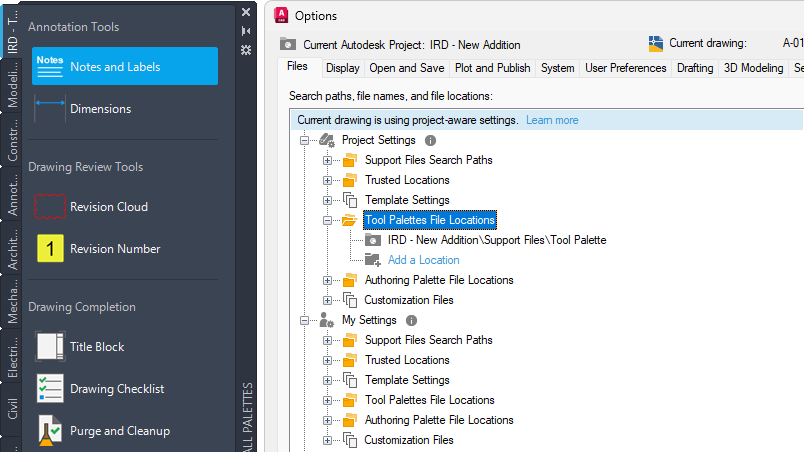
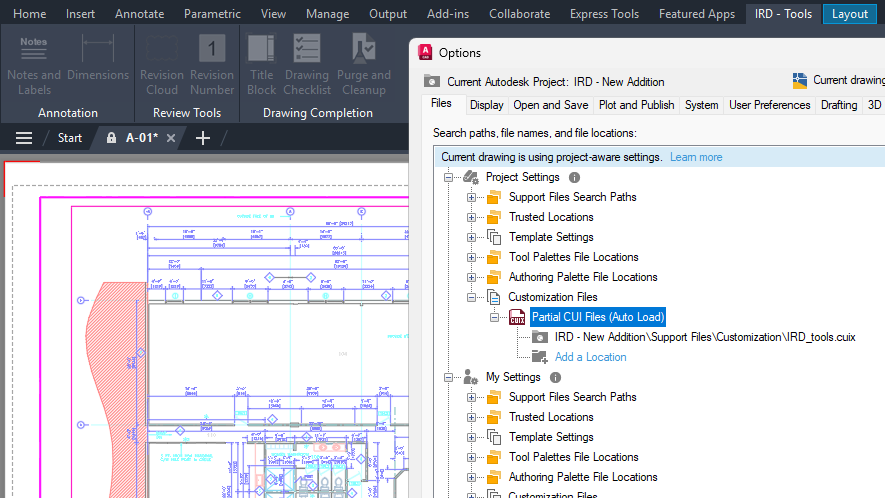
Connected References: In addition to external drawing references (xrefs), the External References palette now allows you to update paths for missing data references (DREFs).Note: Support for DREFs is available only in Autodesk Civil 3D.Connected Support Files:
- Trusted Locations: Paths can now end with \.. to indicate all subfolders are to be trusted.
- Duplicate Tool Palettes: Performance problem with tool palettes having the same GUID found under the paths specified by Project Settings and My Settings has been resolved.
Checkout:- Read-only drawings can now be opened in Checkout for editing or in the standard drawing editing environment.
- Checkout performance and reliability for unsaved objects have been improved.
Smart Update with Selective Features: Some of the newer web-based features now prompt to download critical updates found on the server rather than just automatically applying the update.
User Profile: A new dialog box allows for the editing of self-identified information, such as industry and job role in the account profile.
- Customer Delighters
-
Edit Properties for Multiple Sheet: The Sheet Set Manager palette now allows for multiple sheets to be selected and then the editing of common properties.
Attribute Creation and Editing: In all attribute creation and editing command dialog boxes, pressing Ctrl+A in the Default or Value text box now selects all text.
Polyline Grip Editing: Items on the dynamic menu displayed when the cursor is positioned over a grip have been revised to make their use easier to understand. Additionally, a new Lengthen option has been added to the dynamic menu for the start or endpoint grips.
In-Place Array Editing Performance: Visual style no longer switches from 2D Wireframe to Wireframe (Fast) when performing an in-place edit of an associative array.
SAVEAS Command: Now performs a full save rather than an incremental save.
2027 Highlights
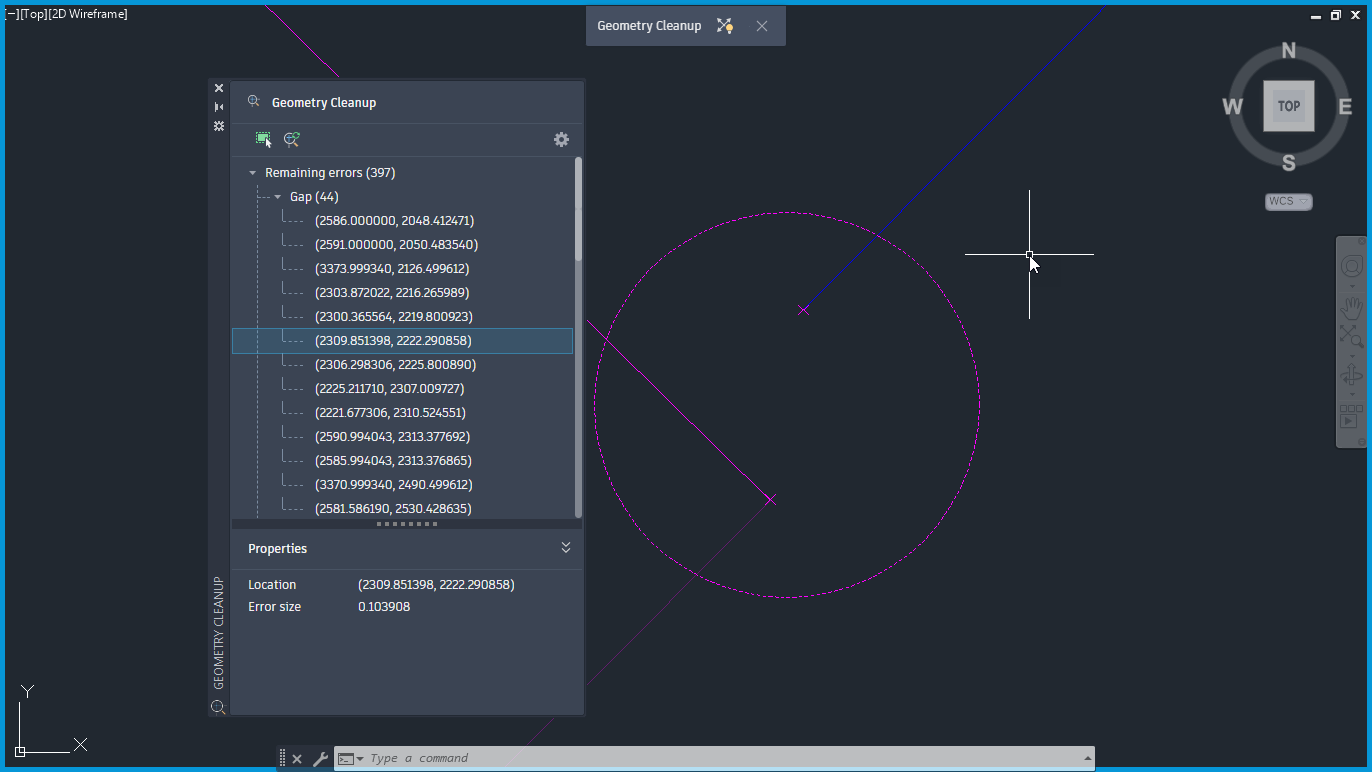
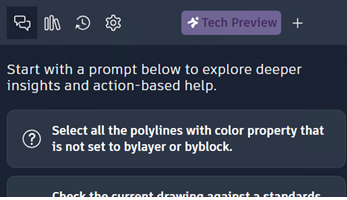

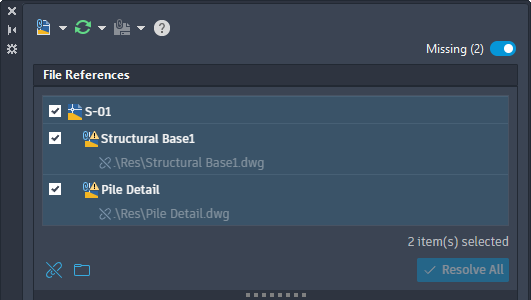
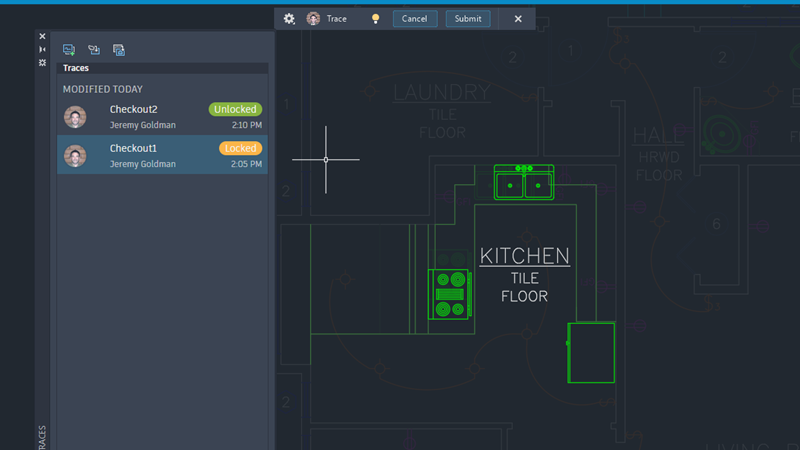
Additional enhancements and changes
Layout Tab Switching Performance: Improvements were made to reduce the amount of time it takes to switch layout tabs.
3D Graphics System Enhancements: The 3D graphics system (GSF), controlled by the FASTSHADEDMODE system variable, now provides a more stable and efficient experience. These updates improve visual fidelity by better supporting large coordinates, occluded edges, materials, lights, textures, shadows, sky, and backgrounds. Additionally, the Realistic (Fast) visual style is now on by default.
Connected Support Files Access: Connected Support Files are now available in Forma Data Management and ACC Library.
Removal of Support for AutoCAD Web & Mobile: The Open From Web & Mobile (OPENFROMWEBMOBILE) and Save To Web & Mobile (SAVETOWEBMOBILE) features have been removed from this release. If you previously saved your drawing files to AutoCAD Web & Mobile, it's recommended to utilize Forma Data Management to store and access drawing files anywhere. No drawing data has been lost. Read the FAQ to learn more.
Removal of Shared Views: The Shared Views feature has been removed from this release. If you previously used Shared Views, it's recommended to utilize Forma Data Management to store and share drawing files with others.
Push to Forma Data Management Replaces Push to Autodesk Docs: The Push to Autodesk Docs feature has been updated to Push to Forma Data Management. New commands and system variables were introduced to display and close the Push to Forma Data Management palette.
Removal of Support for the MrSID Image Format: Image files saved in the MrSid format can no longer be attached to a drawing file. MrSID images will need to be saved to a supported file format and reattached.
Removal of Support to Create a PostScript File: The PSOUT command has been removed in this release and the EXPORT command no longer supports the ability to export to the format. If you need to create a PostScript file from a drawing, configure a PC3 file according to the output needed.