
Issue:
You want access your Fusion 360 dashboard in a browser.Solution:
Personal siteYou can browse to your site dashboard (hub) using a web browser. Your personal site is here http://myhub.autodesk360.com. Sign in with your Autodesk Account.
Team site
If you are using Fusion Team,,the address may look something like: http://COMPANYDOMAIN.autodesk360.com.
You can also access your dashboard by selecting the link located in the Fusion 360 Data Panel. Click your name in the data panel home to visit your site.
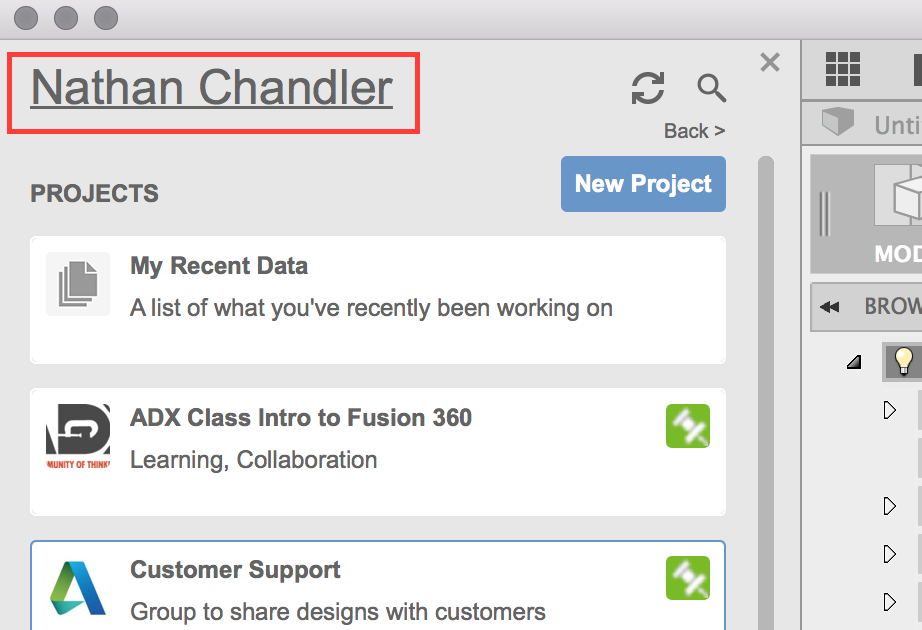
Click on the title of your project to open the project location in your browser.
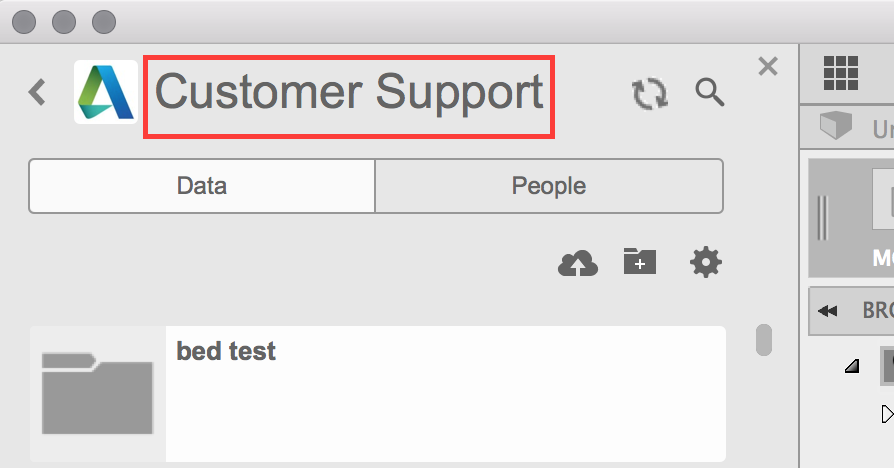
Clicking on your name or the project name in the Data Panel opens your site in a browser.