Issue:
How to set up Fusion Team for multiple seats.
Solution:
To set up a Fusion Team Hub, follow these steps:
- Make sure that the Fusion / Fusion Team subscriptions are assigned to Autodesk Accounts of the collaborators.
Note: The Autodesk Accounts without a Fusion Team subscription can only collaborate within the Basic Access privileges.
- Sign in to your Fusion Team Hub using fusionteam.autodesk360.com or the URL of your Team Hub.
- Access the Administrator Console.
- Invite Team Members.
- Have the Team Members accept the invitations.
- Manage the User's Roles on the Hub.
- Create projects or transfer existing projects from Personal Hubs or other Team Hubs.
- Manage the projects.
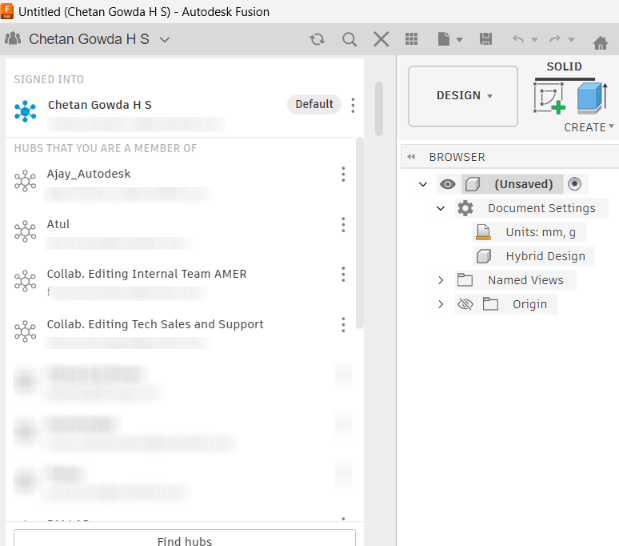
Once the project roles have been adjusted, a member of a Team Hub can switch to the Team Hub from the Team Account drop-down at the top left of Fusion. Once the user has switched to the correct Team Hub the user can then access the projects that the user has permissions for.