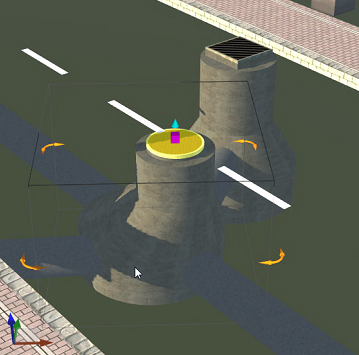
Click a drainage network features to display the asset card and transform gizmos.
- Zoom in to view the drainage feature of interest (inlets, manholes, pipes, outfalls).
- Click the drainage feature.
- Use
transform gizmos to change the position, rotation, height, and elevation of the feature.
- Delete drainage network features one at a time or Delete a Network of features under a selected design road.
- Use
transform gizmos to change the position, rotation, height, and elevation of the feature.